Toolbar

- The
 allows you to make selections by left-clicking or using selection frames either :
- From top left to bottom right:

Only components completely enclosed by the frame will be included in the selection:

- From bottom right to top left :

All components partially enclosed by the frame will be included in the selection:
- The
 translates the entire model
 - The
 rotates the model
 - The
 allows you to zoom in by moving the mouse upwards and zoom out by moving the mouse downwards
 - The
 to zoom into a window :

- The
 zoom to best fit window size
 - The
 allows you to activate two display options from a sub-menu:
 - The perspective

- Ambient occlusion
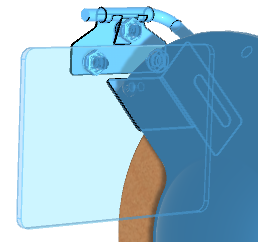
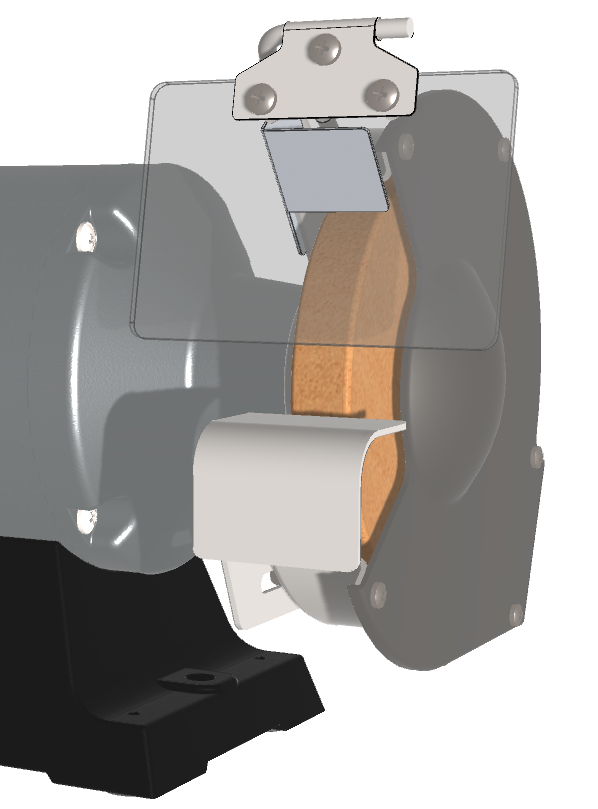
 which allows you to see the shadows generated by the model on the model :
Without ambient occlusion :

With ambient occlusion :
- The
 activates several pre-defined orientation views according to a sub-menu:

- The
 allows you to change the display style of the template via a sub-menu :
 - Shaded image

- Shaded image with edges

- Filler image

- The
 activates one of the Tools according to a sub-menu :


- The
 provides access to Options from my3Dviewer