Properties of the curve
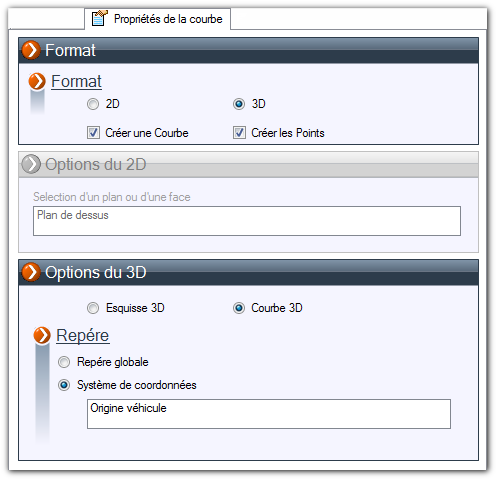
The second tab allows you to specify the format of the curve you want to generate.
For both types, you can choose to create the curve and/or the points.
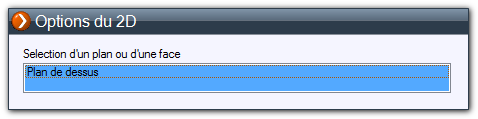
- If the "2D" format is selected, you can choose a plane or a face of a component on which to create the curve. If no information is entered, the entity will be created on the face plane of the 3D document (part or assembly).
- If the "3D" format is selected, you can generate either a 3D sketch or a 3D curve.
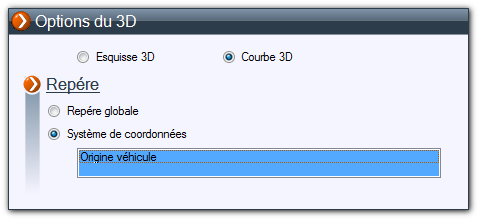
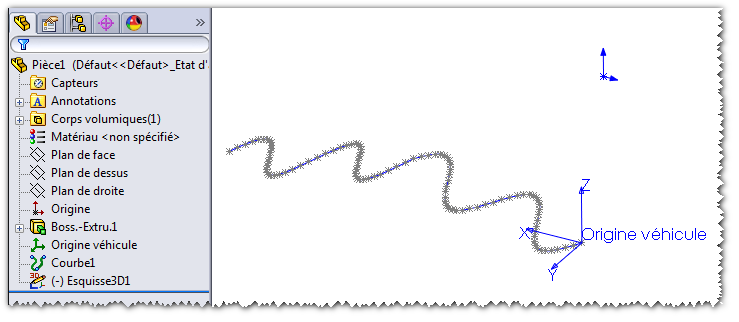
In the following example, a 3D curve and points are generated. The "Vehicle Origin" coordinate system is selected. If you check "Global Coordinate System," the entities are generated at the origin of the 3D document.