Viewing Results
If controlled measurements and/or interference detections have been selected, the results are available in the " Results " tab.
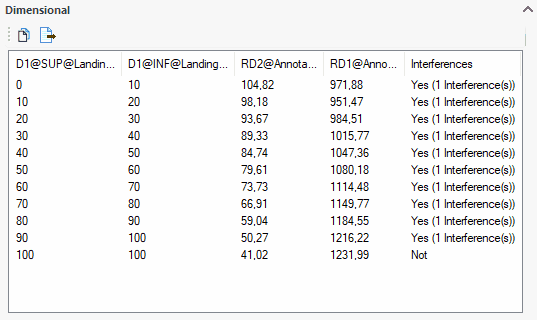
- "Dimensional" Results: For each value of the controlling dimensions, the list shows the corresponding value of the selected controlled dimensions. If this resulted in any interferences (Yes/No), this information is specified.
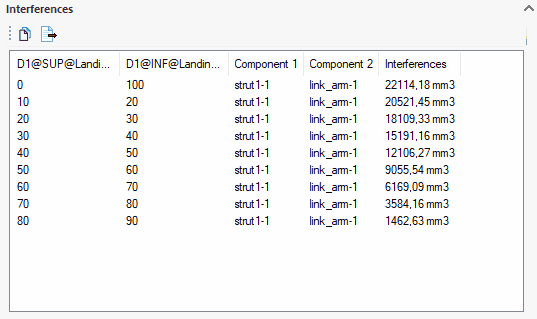
- "Interference" Results: If components have been selected for potential interference detection between them, the resulting volume is reported in this table for each calculated position.
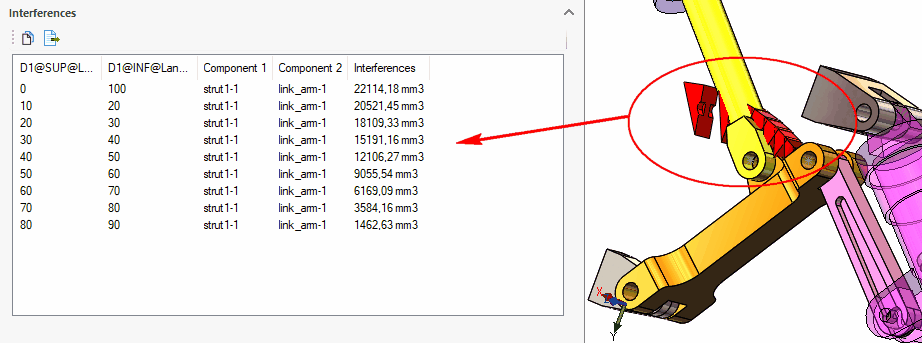
A solid model is generated at each step, representing the interference between the selected components.
 Bodies are not retained after the tool has been closed.
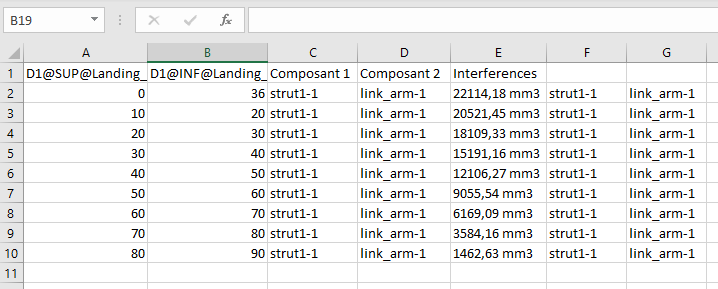
The "Copy" and "Export" buttons can be used to extract results to external files.  .