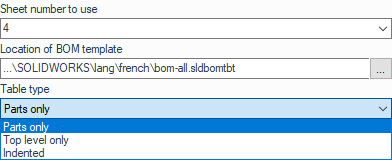
Insert a bill of materials into a sheet in a drawing
Operation possible on drawings. 
This operation inserts a bill of materials into sheet N in the drawing.
The first view of the plan is used to generate the table. You must check the table positioning settings in the utility's options.
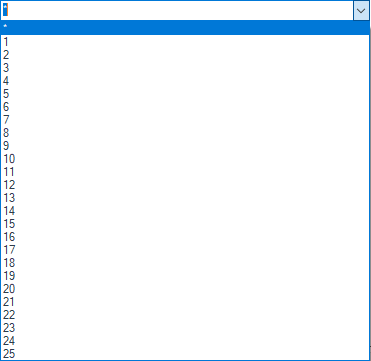
Select the sheet number from the list. The number must be a numeric value. You can enter it using the keyboard or the drop-down list:
Example: The bill of materials for the assembly referenced in the drawing will be generated on sheet " 4."
The directory can be selected by clicking on  .