
Reconstruct sheets in a drawing
Operation possible on drawings. 
This operation reconstructs one or more sheets in the drawing.
Select the sheet number from the list. The number must be a numeric value. You can enter it using the keyboard or the drop-down list:
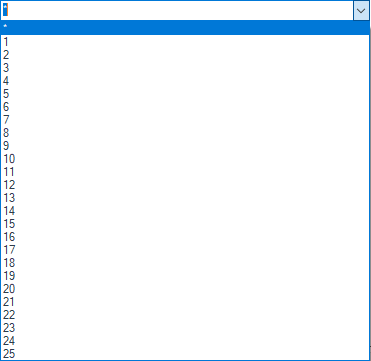
Example: Sheet " 5" will be reconstructed.
Instead of specifying a sheet, you can use the character ''*'' to rebuild all sheets.
If you want to rebuild multiple sheets, use the character ''; '' as a separator.