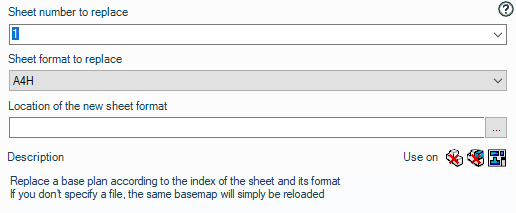
Replace/load sheet background according to sheet format
Operation possible on drawings. 
This operation allows you to replace a background image based on the sheet number and its format.
Select the sheet number from the list. The number must be a numeric value. You can enter it using the keyboard or the drop-down list:
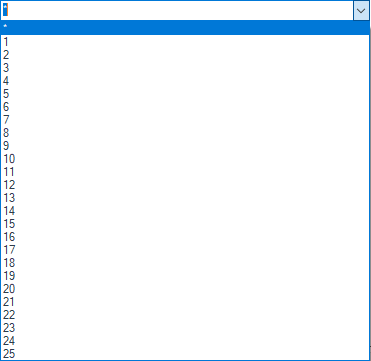
You can use the " * " character.
Example: The operation involves replacing the background on the second sheet with the " a3-iso.slddrt " background in all selected drawings.