
Filters
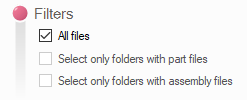
This panel allows you to manage folder selection filters.
- All files:
This option allows you to insert all selected folders and their subfolders (if the " Subfolder" option is checked).
- Select only folders that contain document files:
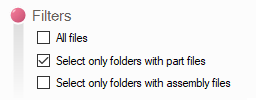
This option allows you to include only those folders that contain document files in the list.
- Select only folders that contain assembly files:
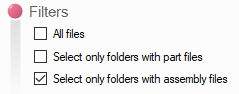
This option allows you to include only folders containing assembly files in the list.
- You can select both of these last two options at the same time.
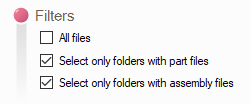
In this case, among the selected folders and subfolders, those that contain neither part files nor assembly files will not be included in the list.