The number of characters in the value
The component will be included in the bill of materials based on the number of characters in a property listed in the document.
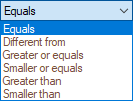
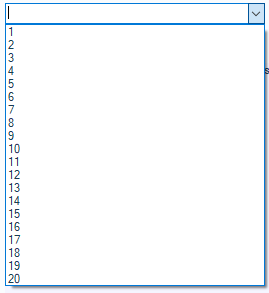
The test is selected from the list: " Equal to," "Not equal to," " Greater than or equal to, " " Greater than, " " Less than or equal to, " or " Less than." The number of characters must be a numeric value. It can be entered using the keyboard or via the drop-down list:
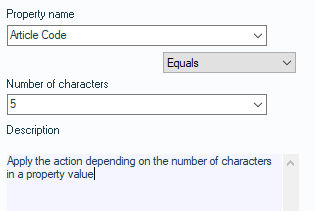
Example: If, in the document, the number of characters in the “Item Code” property is greater than “5,” then the operation is applied.
 ->