Sheet creation wizard
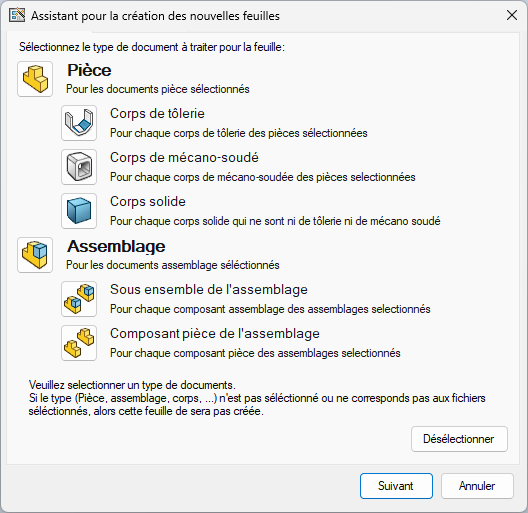
Select part and/or assembly to generate a drawing file for each part and assembly selected in the file selection tool.
Selecting a part body (sheet metal, welded, solid) and/or an assembly component (part component, sub-assembly) will generate a sheet for each body or component or sub-assembly.
Example 1:
One part comprises 3 sheet-metal bodies and several mechanically-welded bodies.
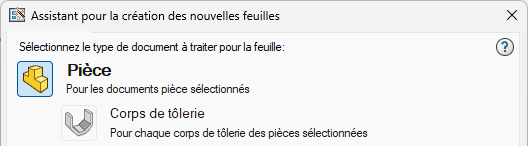
I just select "part" as the type of document to manage for the sheet and set a simple view with "isometric view" as the parameter.
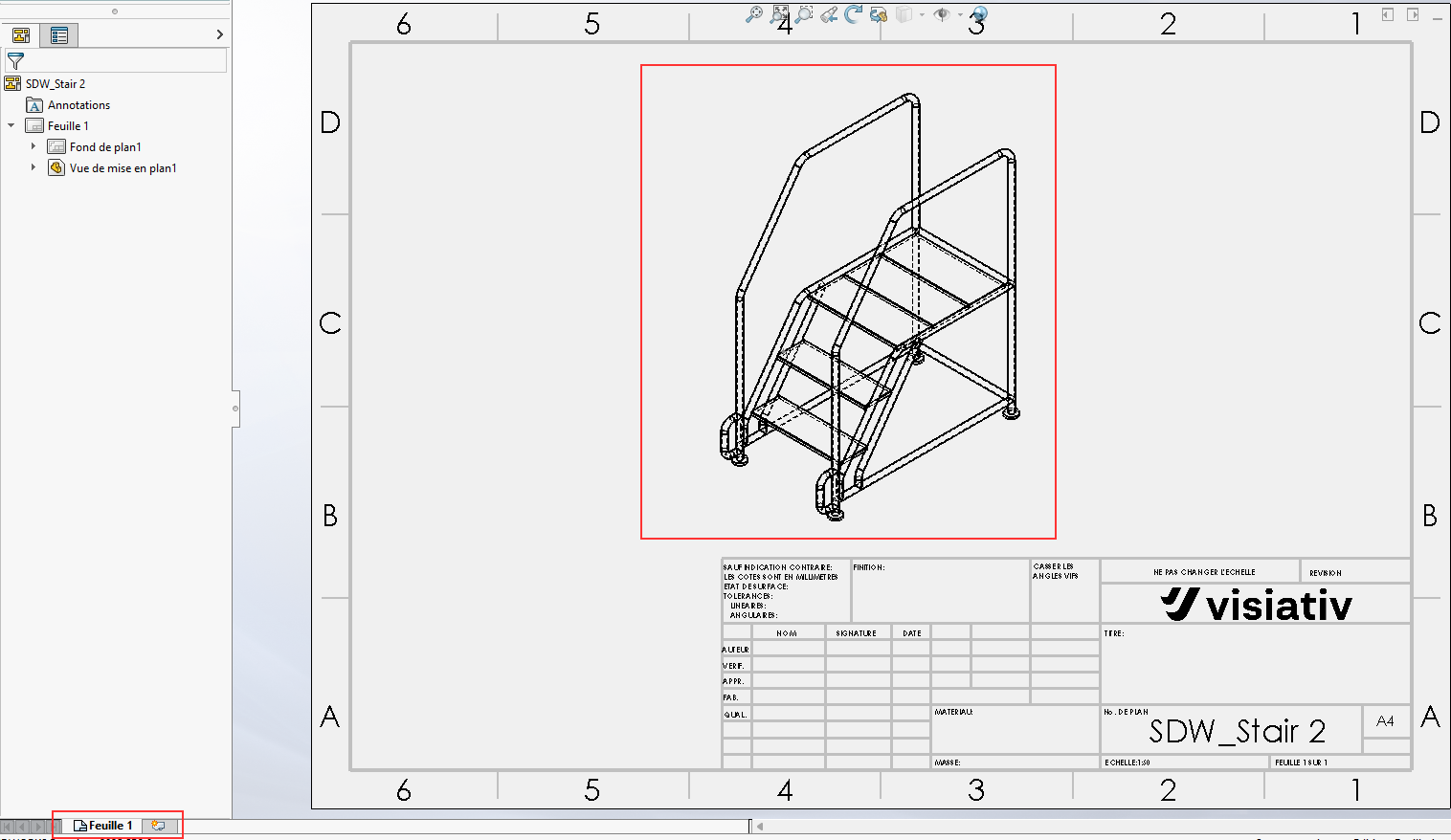
I select my part file in the file selection tool.
SmartDrawings will generate a single sheet with the isometric view of my part.
Example 2:
One part comprises 3 sheet-metal bodies and several mechanically-welded bodies.
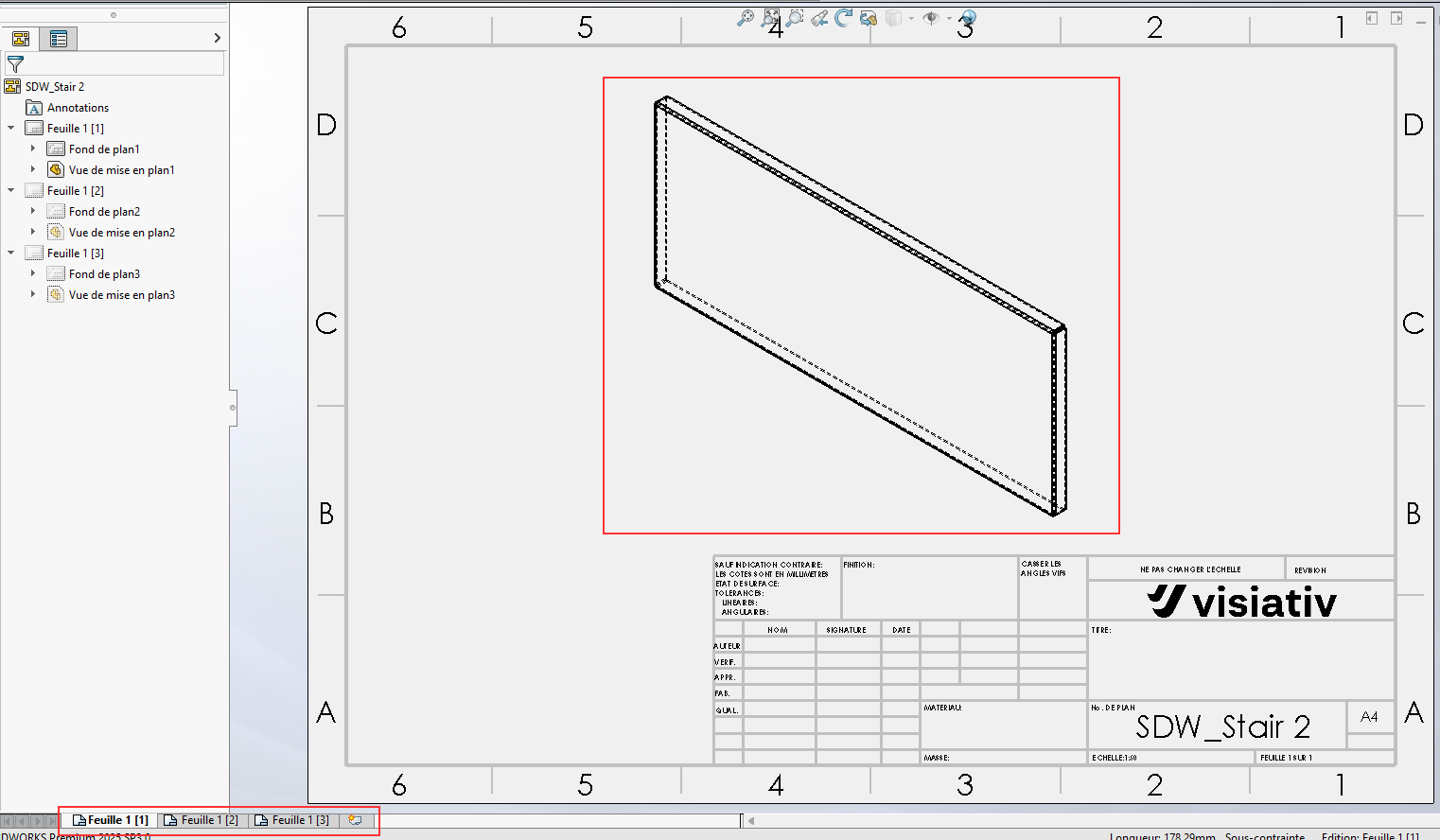
I just select "sheet metal body" as the type of document to manage for the sheet and set a simple view with "isometric view" as the parameters.
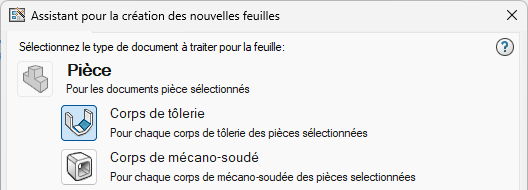
I select my part file in the file selection tool.
SmartDrawings will generate 3 sheets for each sheet metal body with an isometric view of the body.