
Planning
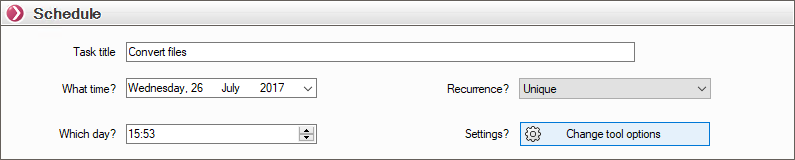
This window allows you to schedule tasks by selecting the day, time, and frequency (One-time, Daily, Weekly, Monthly).
- Task Title: The name of the task that will appear in the task list and in the report.
- What day?: The day the task begins.
- What time?: The time the task is scheduled to start.
To change the time, you can type directly into the field or use the arrows.
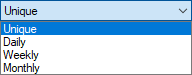
- Repetition?: Task frequency; if a task is recurring, it will always remain in the list of tasks to be processed.
Available options:
Once you have made these settings, click “OK” to confirm that the task will run. This schedule is added to the “Tasks to Be Processed” window.