Calculation
The " Calculation" section allows you to convert measurements into maximum, minimum, or average values.
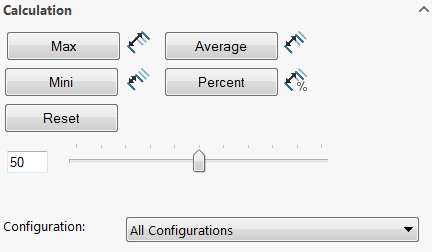
The "Configuration" option allows you to calculate and modify dimensions for the active configuration or for all configurations.
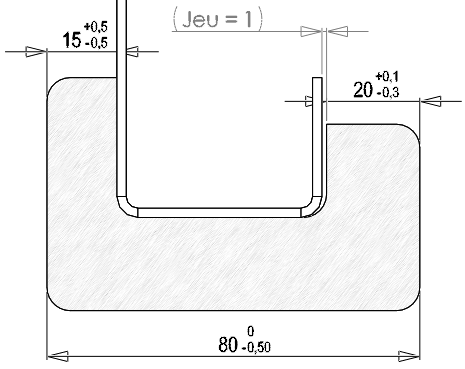
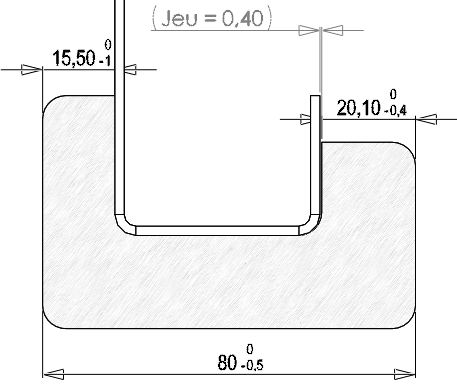
In this example, we will calculate the controlled dimension " Clearance."
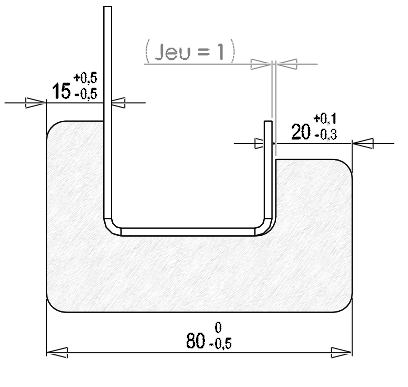
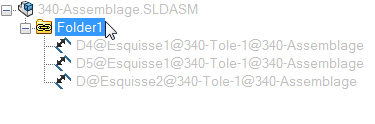
Before starting the calculation, click on the chain folder and select the three dimensions with their tolerances (80, 20, 15).
- Maximum value ratings:
The button  converts all selected dimensions into '' valuesMax''.
- Average ratings:
The button  converts all selected dimensions into '' valuesAverage''.
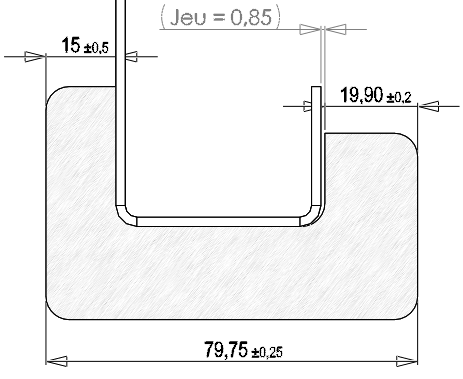
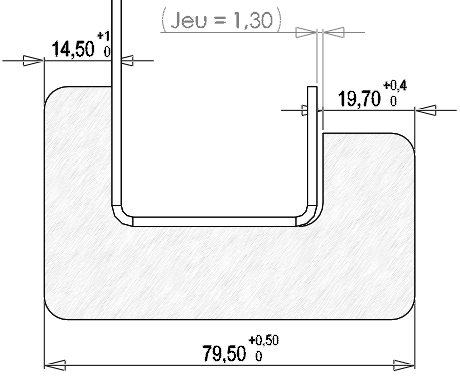
- Minimum odds:
The button  converts all selected dimensions into '' valuesMini''.
- Percentage of the listed value:
The button  calculates a percentage of the odds value.

Example using a 50% rate.
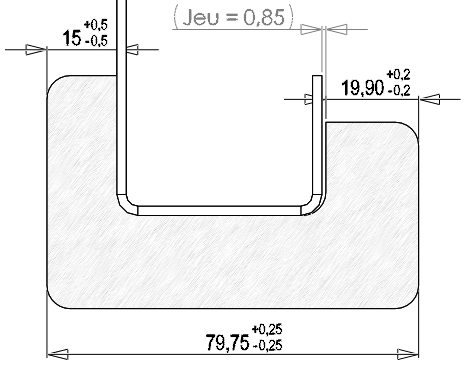
Calculation of 50% for the odds of 19.90 (originally 20 +0.1/-0.3):
Since the maximum is 20.10 and the minimum is 19.70, 50% of that is 19.90 ±0.2.
- Reset:
The button  resets all dimensions to their initial state.