Constraints

In this window, you will be able to list all the constraints in the assembly or the constraints associated with a selected component.
- All Constraints: This option creates a list of all the constraints in the assembly.
- Constraints Related to the Selected Component: This option allows you to create a list of all constraints associated with a selected component.
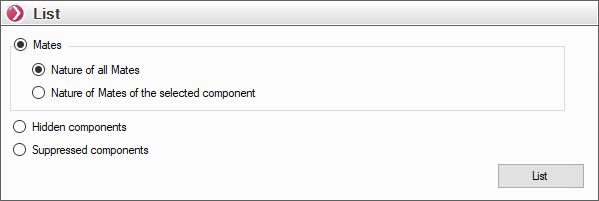
Select a constraint option—for example, "The nature of all constraints"—and click the "List" button.
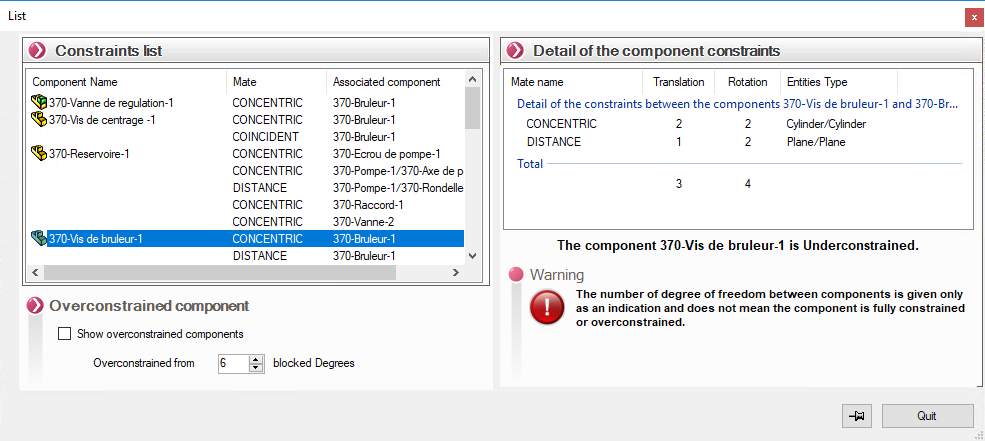
- List of constraints:
This list contains all the assembly constraints, grouped by component.
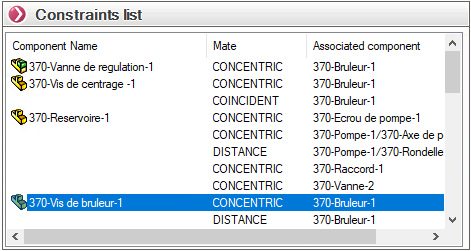
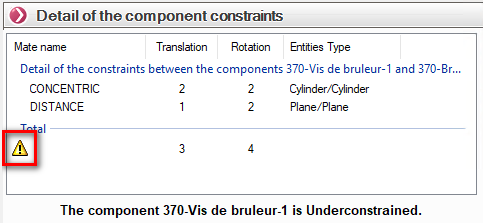
- Details of the component's constraints:
When you select a component from the “List of Constraints” (see above), you’ll see a more detailed list of the constraints associated with that component.
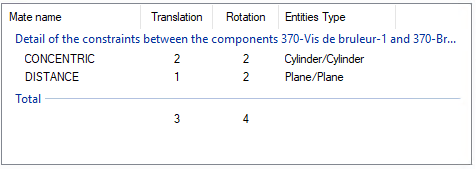
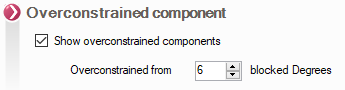
If the "Overconstrained Component" option is checked, an icon appears in the constraint details window for overconstrained components.