Definition of Actions
Definition of Machines
It is possible to define the processing steps to be performed for different machines.
To add a machine click on  and enter his name:
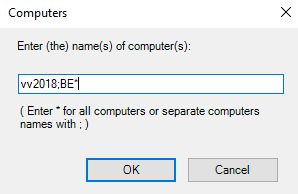
The machine name can be exact, or it can include the * character alone or in combination with a string of characters.
In the example above, the machine Ax0375, all machines whose names begin with BE BE*, and the machine Methode125 are authorized.
If you want all machines to use the same settings, use the * character.
Adding Shares
Once you've added your machine, all you have to do is add folders to process for the available actions.
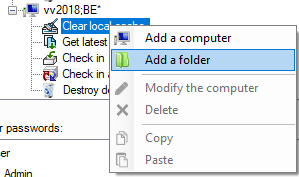
To do so, click on a action and the icon  Add a folder or right click.
Only actions with defined files will be performed.
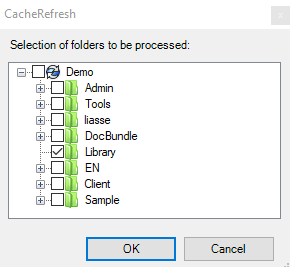
You can select the root of the vault or a specific folder, and all subdirectories will be included automatically