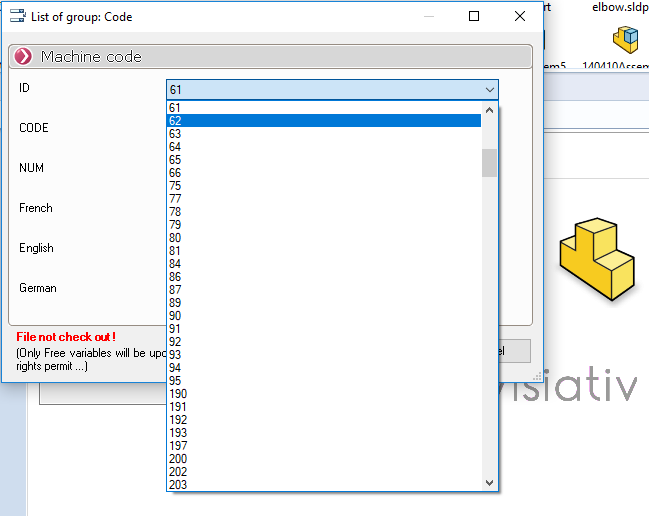
Use
Once all the DynamicList settings have been configured, you can populate the data map for the files in the vault using the button(s) you created.
 We need to get the file out of the vault so that the variables can be updated.. If the file is archived and not extracted, only the so-called "free" variables will be updated (as of 2013; this option is not available in 2012). A message flashes to alert you if the file is not extracted.
For Free variables, it is not necessary to extract the file.
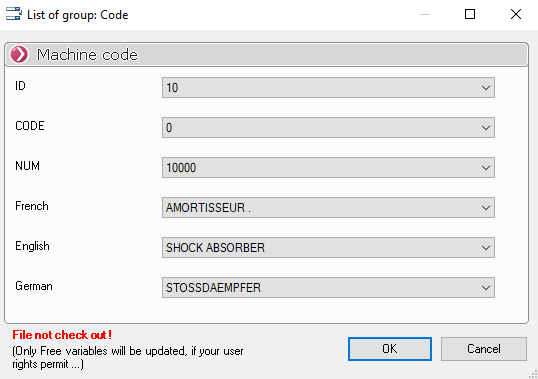
Select the file, then click the button (for example, the "Materials" button); the window corresponding to the defined group will appear, and you can fill in the fields using the drop-down lists provided.