Personalization
- Customization options allow you to define the user's name:
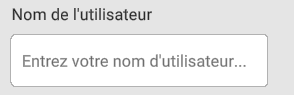
This name will be used for annotations
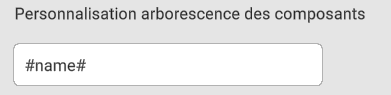
- Here you can modify the display of the component tree. #name# allows you to display the component name as it has been named in the design software; %PropertyName% allows you to display the property value directly in the metadata linked to the component in question (caution: requires full conversion). You can also add text or fixed characters.
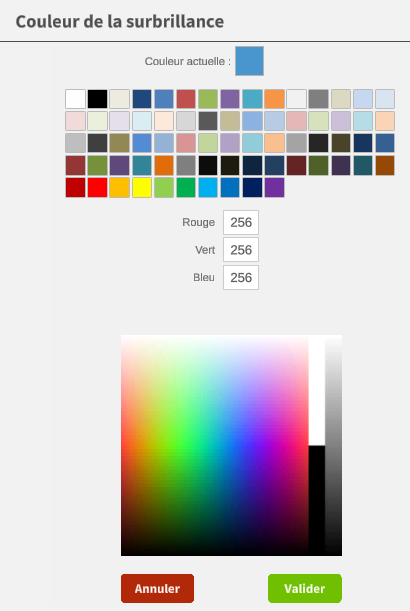
- The highlight color of selected components can be set here :

You can select a predefined color or use an RGB code to define the color:
This tab also lets you choose the unit of measurement, as well as the number of decimal places for displaying these measurements.
Finally, you can choose the highlight color of components after selecting them.
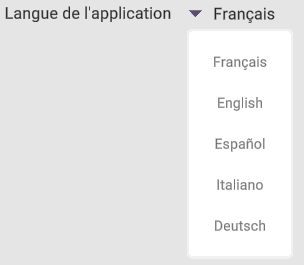
- my3Dviewer defaults to the Windows browser language
However, the language can be forced according to the following languages:
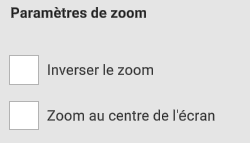
- Zoom parameters can be adjusted in two ways:
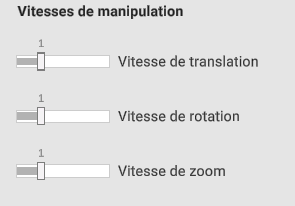
- Finally, handling speeds can also be adjusted: