Display
- Display options allow you to display the model in full screen mode (the F11 shortcut can also be used).
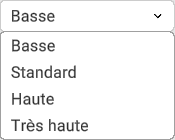
- Display quality is used to adjust edge anti-aliasing; the higher the display quality, the less the edges are aliased. This also affects model performance.
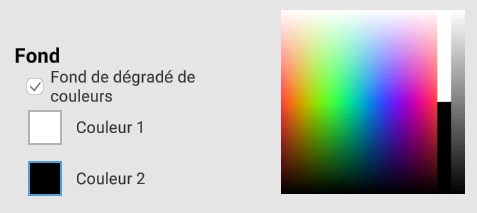
- The background can be modified using a solid or gradient poster in two colors:
- The toolbar can be displayed in a dark or light theme. In automatic mode, the toolbar will automatically change theme according to the background color used:


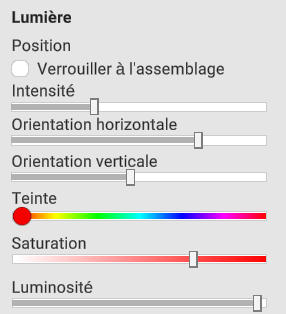
- Light options can also be set: