Notification templates
Notification templates can be created, modified or deleted.
These templates can be selected for manual notifications in Web Explorer.
It will still be possible to modify the text of the notification when it is sent.
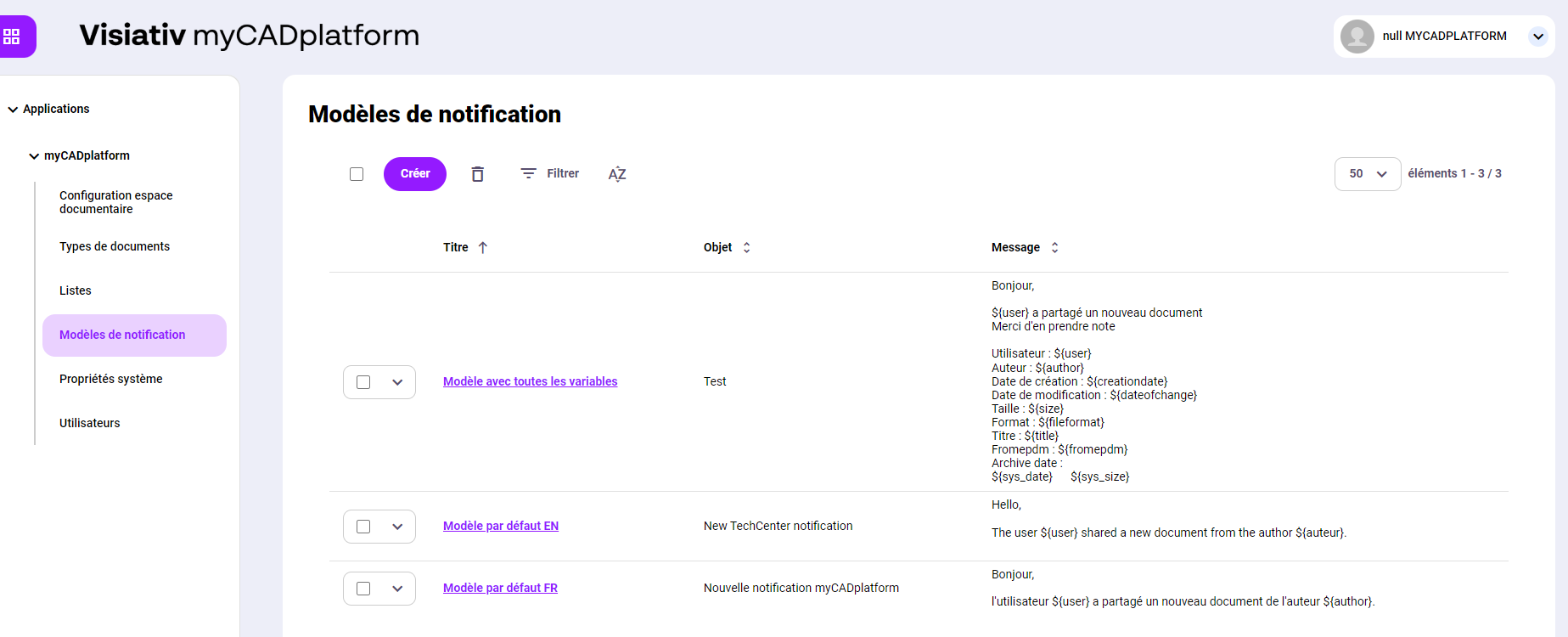
To create a notification template, click on the "Create" button.
To modify an existing template, click on its title.
For example, the "Default model FR" model.
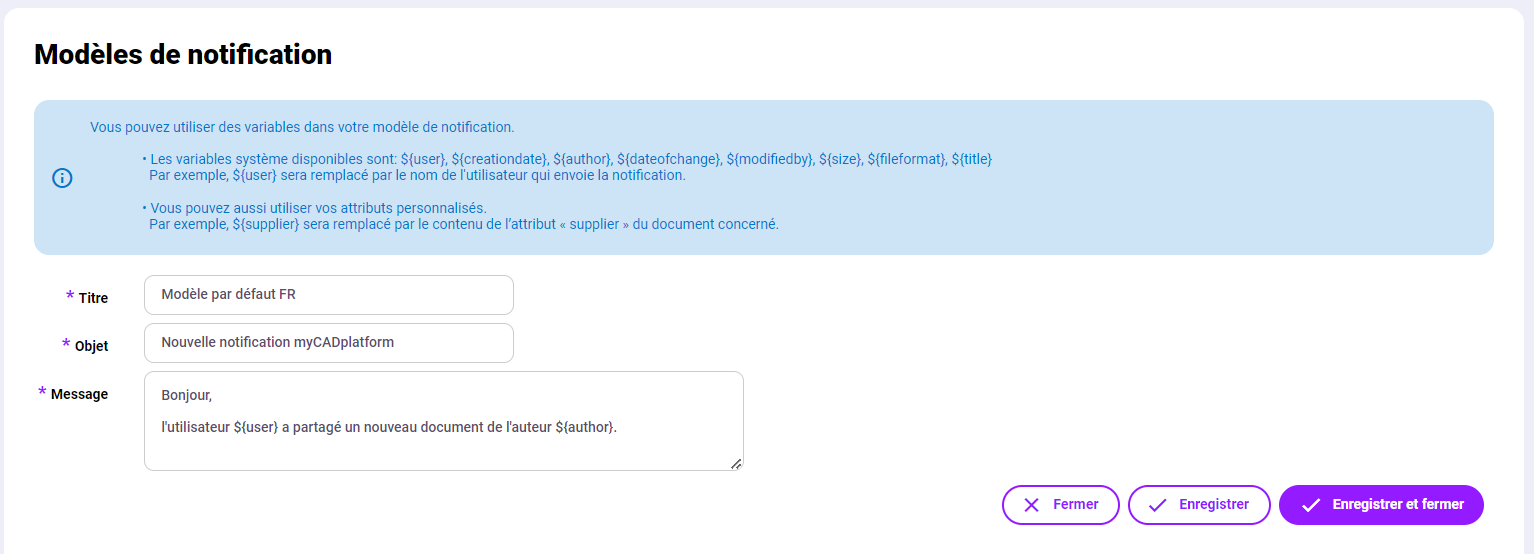
You can use variables in notification templates:
- ${property} represents the value of the "property" property associated with the document type
- System properties
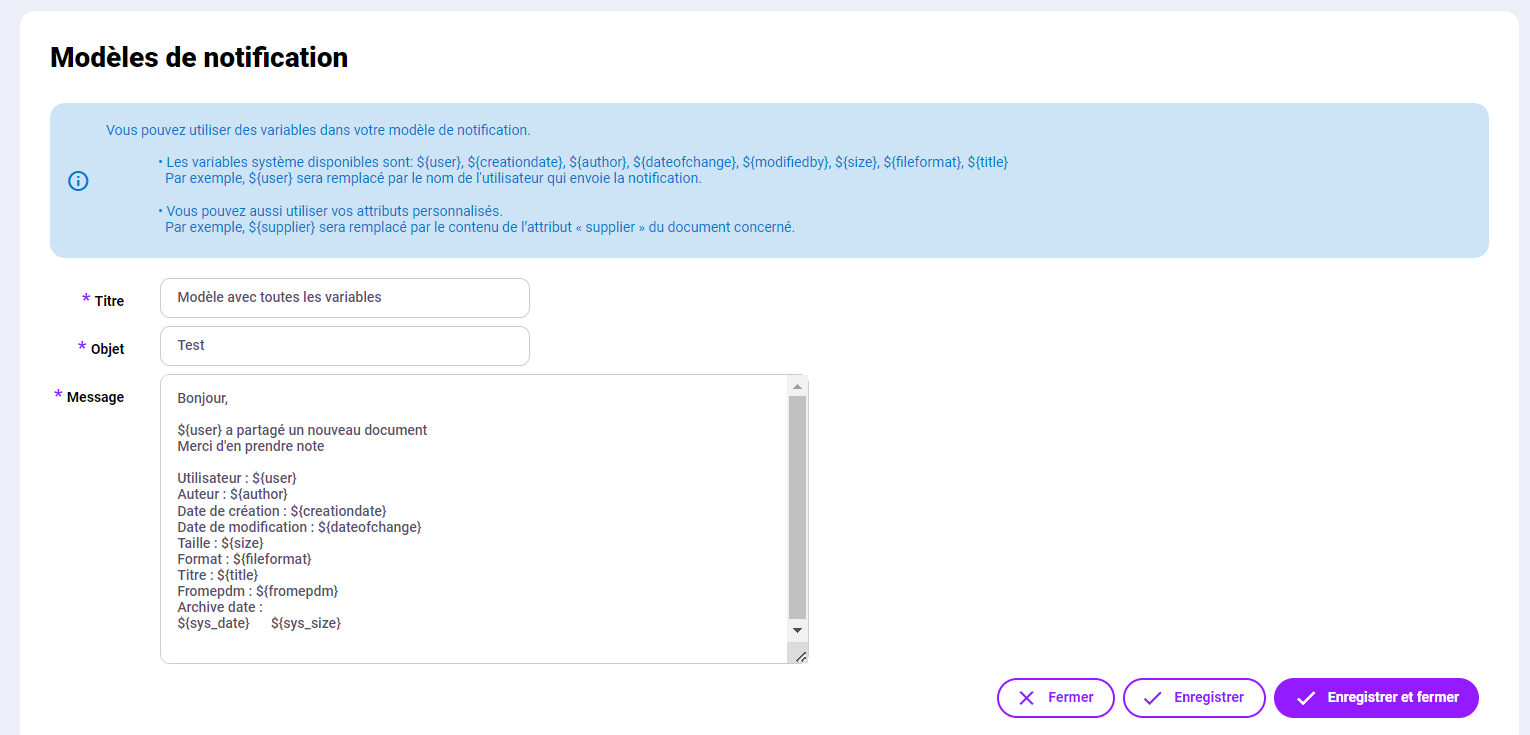
The following example uses all system properties plus the custom "project" property seen above.