Document management
Add documents
To add documents, you need write access to the target folder.
A document can be added either :
- Drag and drop to your browser window
- Using the
 to open the file explorer on your PC and select the documents to be sent to the platform.
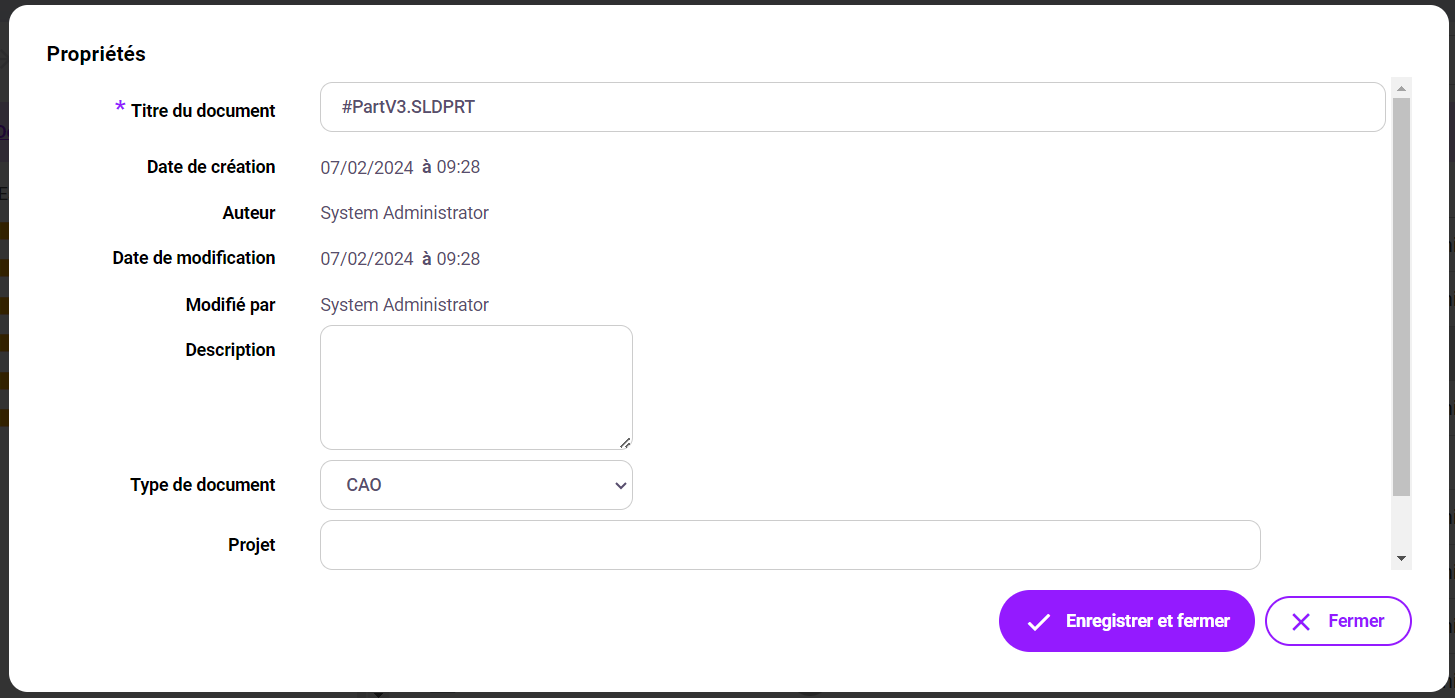
Before saving the file, you are invited to enter the document properties. The first choice to make is "Document type", as this will determine the custom properties to be filled in.
Properties marked with an asterisk are mandatory.
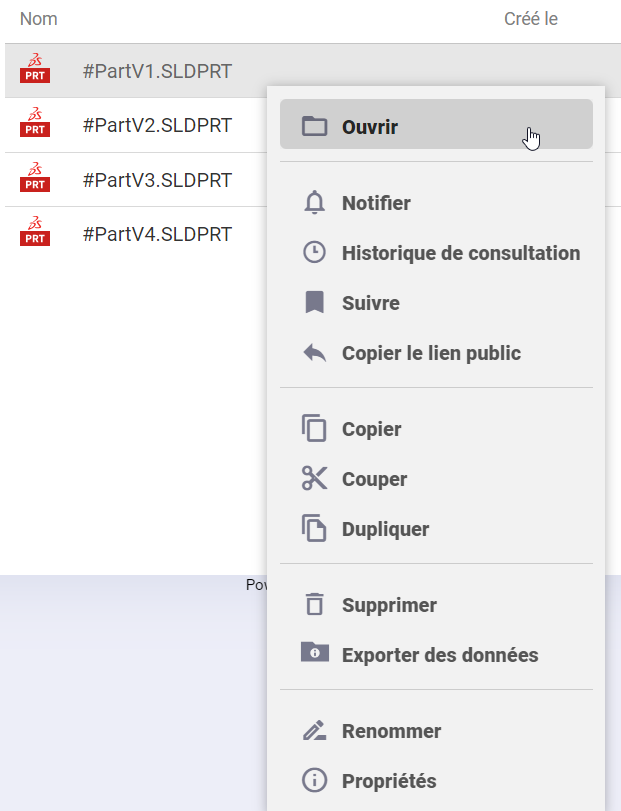
Actions that can be taken on documents
For actions involving modification of the original document or creation of a new one, the user must have write access rights.
All actions on documents are accessible either :
- Using the top menu bar after selecting one or more documents

- By right-clicking on a document