
Web Explorer display mode
You can choose between 2 display modes for Web Explorer.
- Grid mode which displays the contents of a folder in the form of a grid: Icon + name.
It is not possible to select the information to be sent.
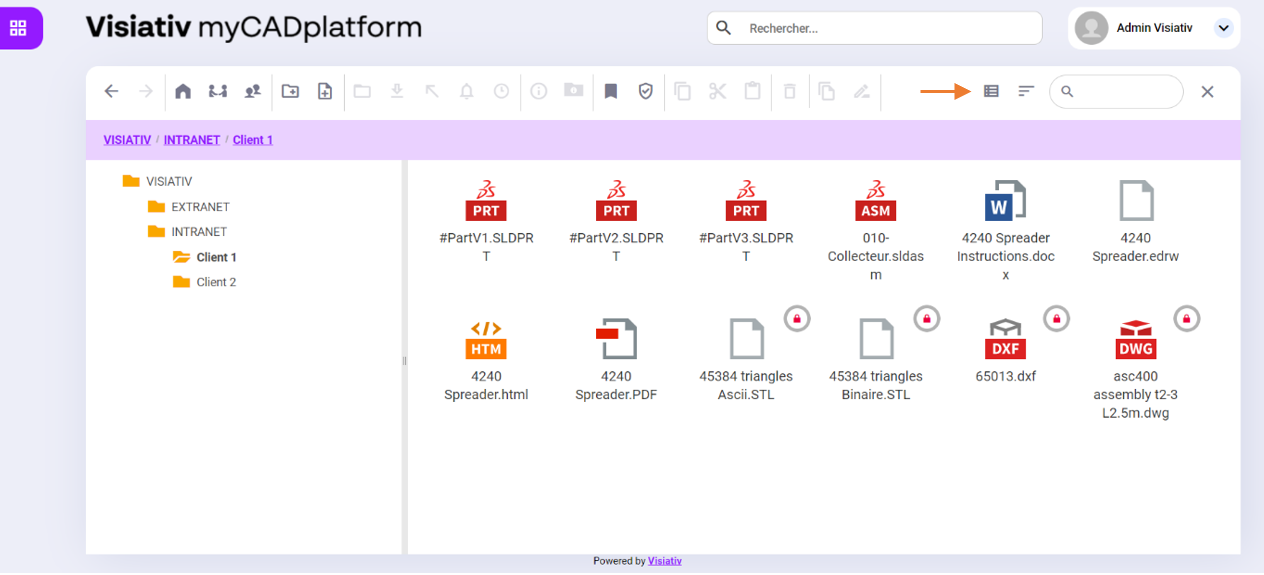
- List mode which displays all the documents and folders contained in a folder in table form. In this mode, you can choose which document properties you wish to display in the table columns.
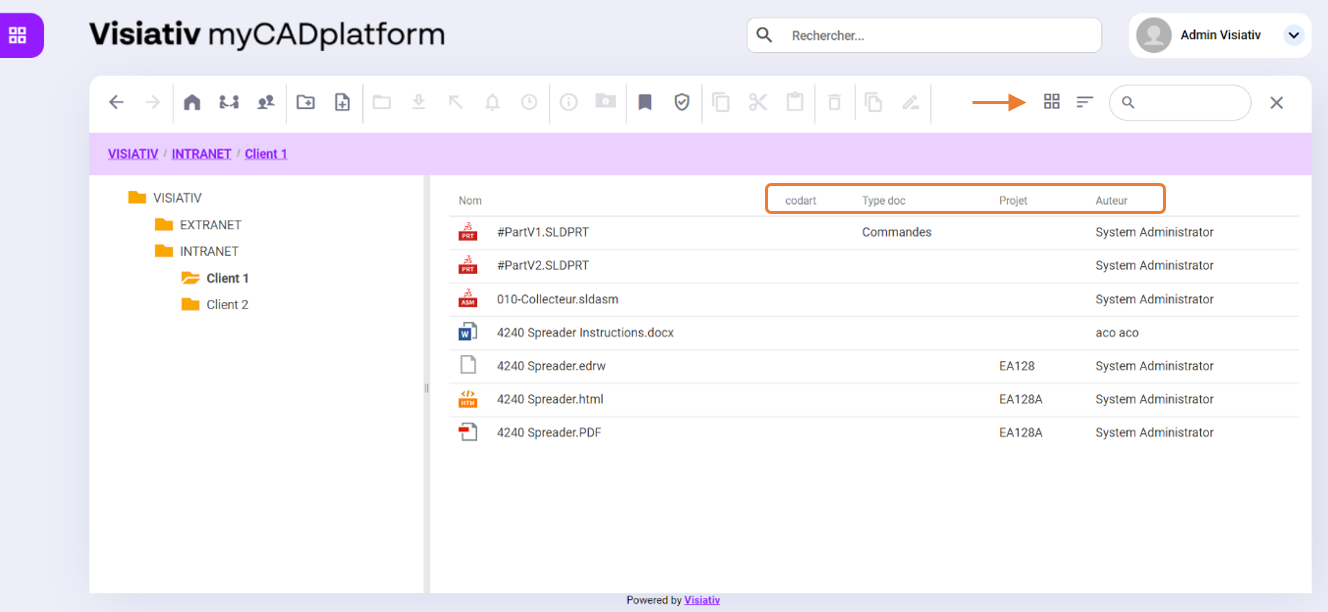
Selection of properties to be displayed in list mode
When displaying documents in list modeYou can choose which columns to display.
As in the previous image, you can bring up information from the system properties and custom properties set for each document in the Web Explorer's list view.
In the parameters of the property you wish to bring up, simply check the "Bring up" option.Display column in file explorer»
See sections :System properties and Document types