
Tampon
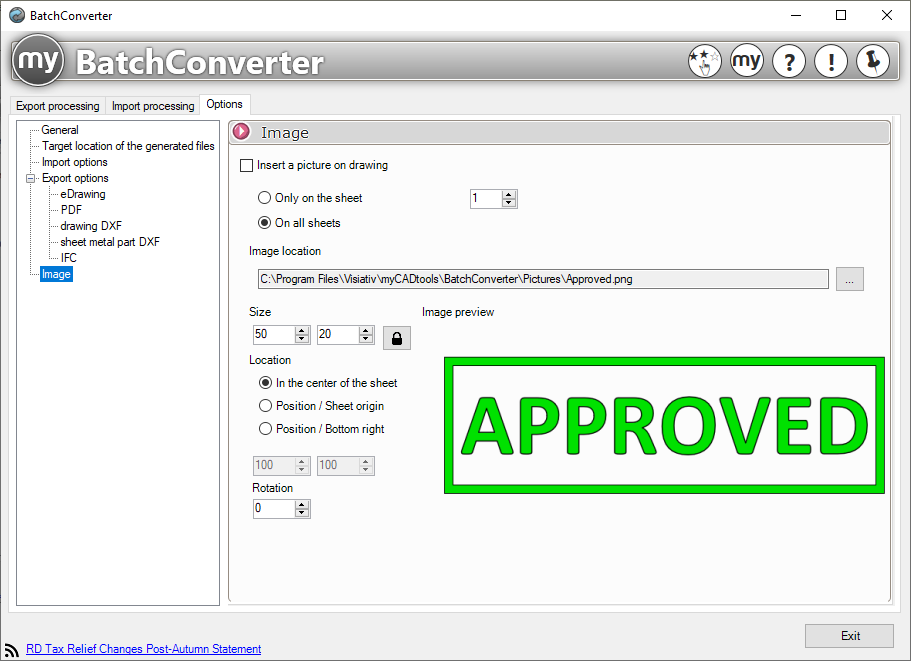
Insert a stamp on the drawings:
This option allows you to insert stamps (image files) into the drawings before starting the conversion.
 Buffers only appear on converted files, so they are not saved on drawings.
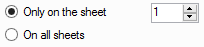
Only on the sheet:
This option allows you to select the sheet on which to insert the stamp.
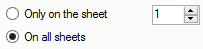
On all pages:
This option allows you to insert the stamp on all sheets.
Location of the image to be inserted:
 Select the image to be inserted. Image formats: jpg, png, bmp, gif.
Image size, position, and rotation:
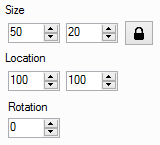
These options allow you to change the size of the image, adjust its position on the drawing, and rotate it.