
Managing Saved/Moved Items
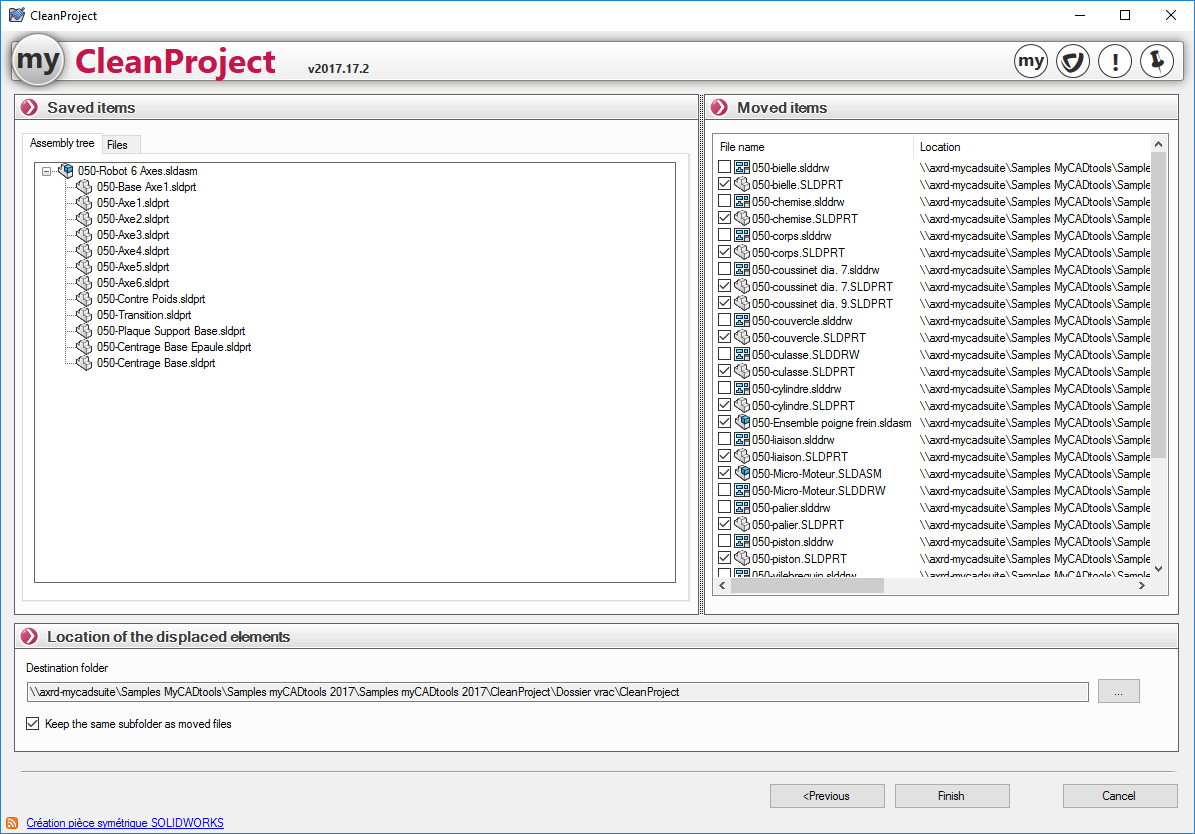
This window allows you to manage the items to be moved and specify the folder location for those items.
- Preserved elements:
- Assembly structure:
This tab allows you to view the structure of the assembly to be saved.
- Files:
This tab allows you to view the files to be backed up.
- Moved items:
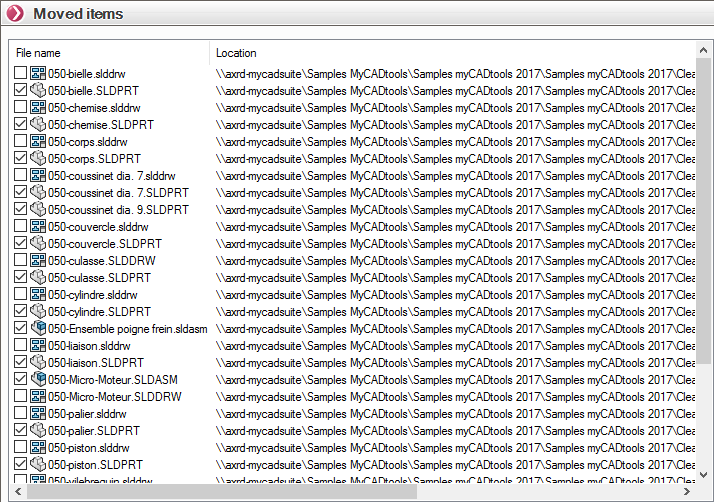
This window lets you view the items that will be moved. You can also select or deselect items to include or exclude from the move.
- All checked files will be moved to the folder specified in the "Location of Moved Items" option.
- Any items that are unchecked will be saved with the assembly and will therefore not be moved.