Assembly" example
Example: for a 2D sketch result
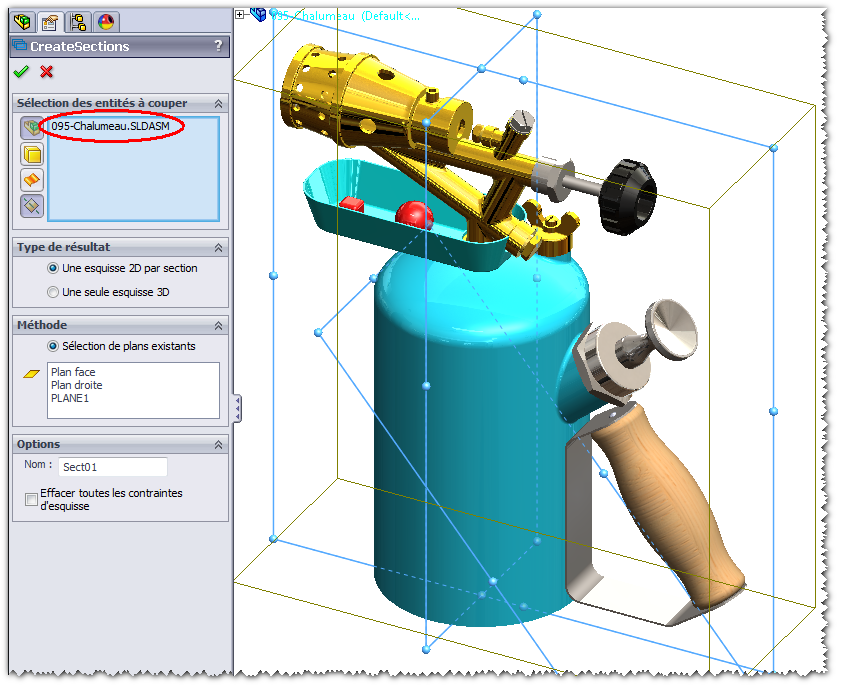
- We have selected the complete assembly " 095-Chalumeau.sldasm."
- The requested "Result Type " is: " A 2D cross-sectional sketch."
- The " Method" for cutting: several planes are selected --> " Front Plane," " Right Plane," and " PLANE1."
- The name given to the folder created in the FeatureManager is " Sect01."
- The fixed constraints of the created 2D sketch entities are retained.
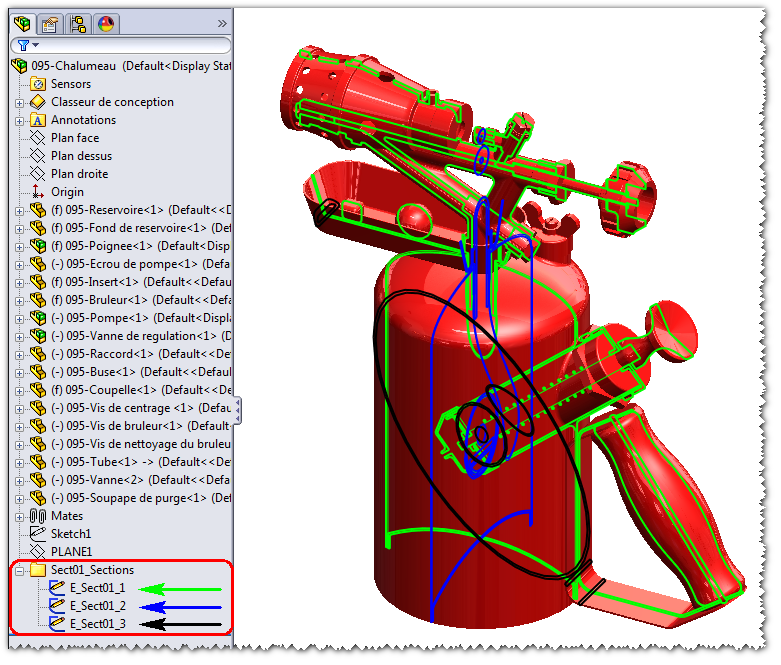
Result obtained:
The components of the assembly were intentionally colored red to highlight the three sketches created (black, blue, and green).
The advantage of the CreateSections tool is that it allows you to select the front assembly and generate multiple sketches in a single step. This is not possible with the SOLIDWORKS “Intersection Curve” feature.