
Overview
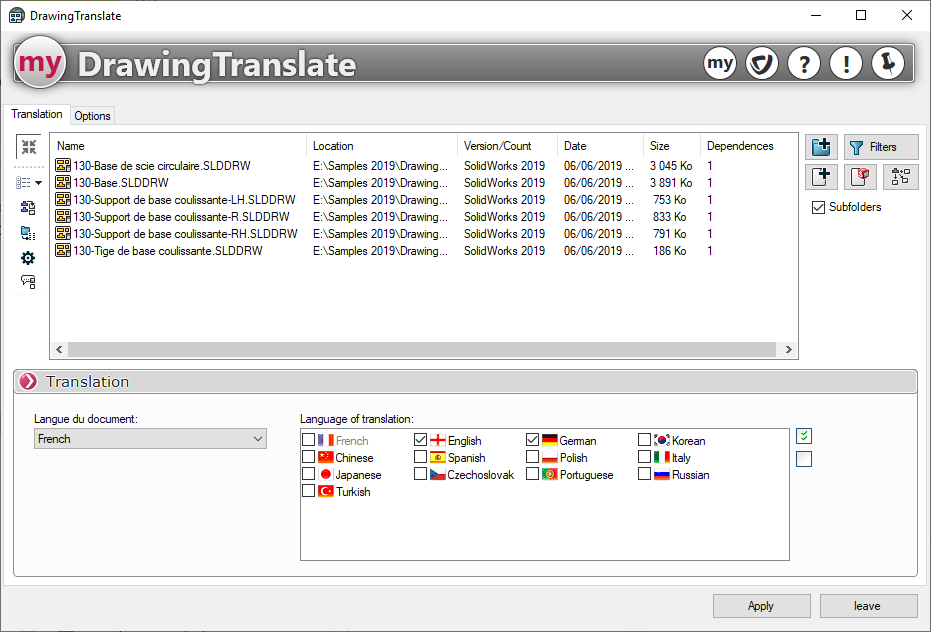
Once you have selected the files and/or folders to be processed (see "Selecting Files"), the following panel will appear:
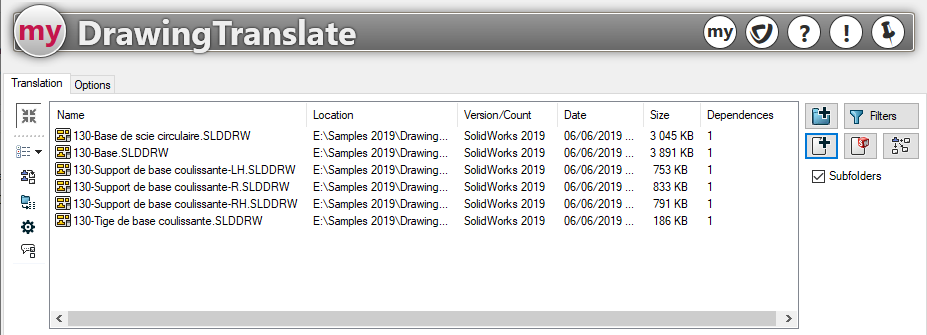
Features of "DrawingTranslate":
- Option to translate the active document or all selected drawings.
- Retrieve annotations from selected drawings to create a user-enriched CSV translation table ( Glossary).
- Choosing the location of the translation tables.
- Selecting translation languages.
- You can select the area to be translated in the drawings, including annotations on the background, sheet, and view, and specify whether to translate the active sheet or all sheets.
- The filter options for annotations will allow you to take notes, dimensions, and blocks into account during translation.
- Managing the processing type allows you to customize the translation of your documents.
- Replace the notes in the document with the translation.
- Add the translation below each note in the document.
- Create a layer for the translation (Translated notes will be assigned to a layer named after the selected language)
- In drawings, create a new sheet for the translation (Option available starting with SOLIDWORKS 2011).