Restoring Lost Dependencies
Restoring Lost Dependencies
This feature will allow us to restore dependencies that may have been lost when moving or renaming files without using SOLIDWORKS or myCADtools tools—for example, by using CTRL+C/CTRL+V.
The tool will therefore analyze all external dependencies and redirect all references to the correct documents.
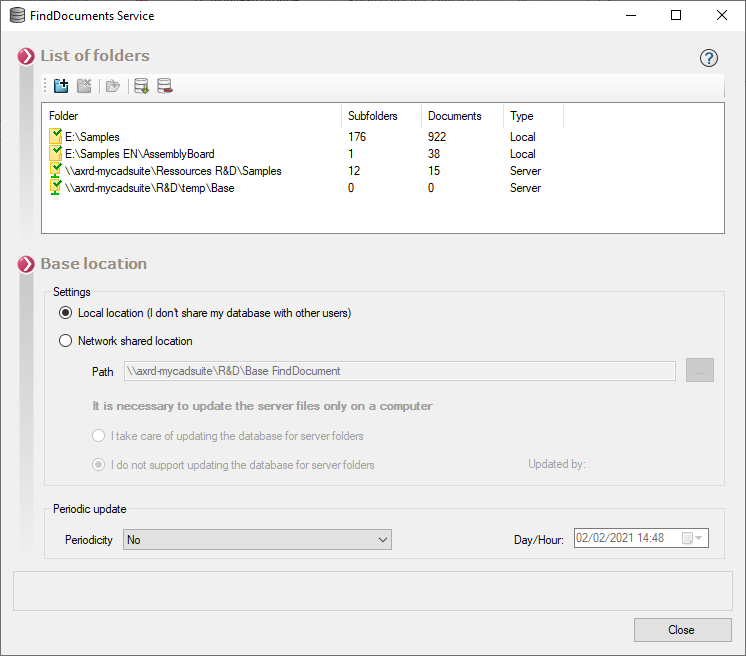
Of course, the files must be in the database you're analyzing in the FindDocuments settings: