Change the color of a layer
Operation possible on drawings. 
This operation allows you to change the color of a named layer.
Example: The layer named " Annotations " will be assigned the color " Red."

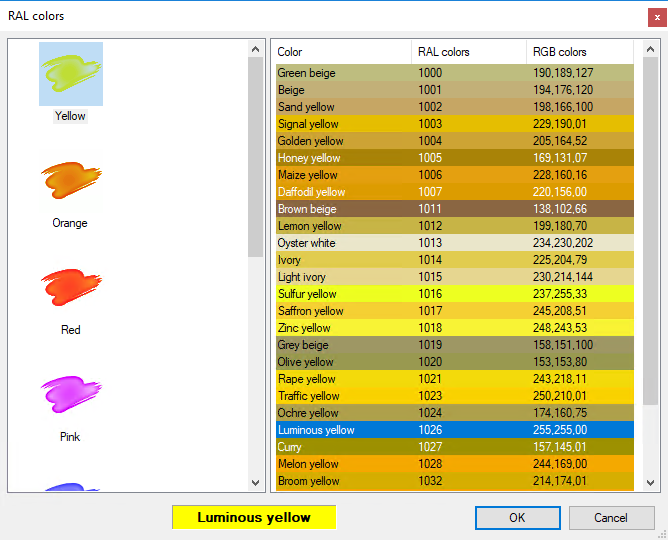
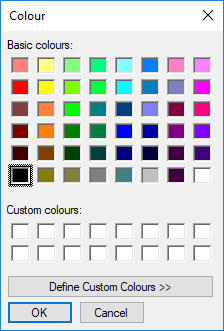
The color is selected from the color menu by clicking on  . Depending on the parameter selected in the options from the utility, point to standard or RAL colors.
The value can also be entered manually. It is a combination of three numbers (each ranging from 0 to 255) corresponding to the three colors Red, Green, and Blue (RGB); for example, the value for magenta would be “213,43,183.”
This operation applies the color (red) to the added layer.
 → RGB color
↓ RAL Color