
Change standard layout for notes, dimensions, plan table
Operation possible on drawings. 
This operation allows you to assign a font to annotations, dimensions, tables, or view labels on a drawing.
Simply select the type of entity you want to edit from the drop-down menu:
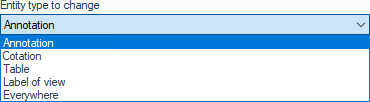
"Everywhere" allows you to select all types of entities.
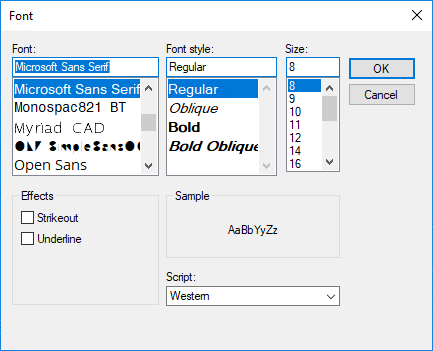
Next, select the font you want to use in the standard Windows window:
Font changes can be applied individually to each note or directly in the document properties settings.
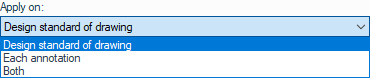
If you do not select a font and choose "Each annotation," the selected entity type will automatically be reassigned to the document's font.