
File type
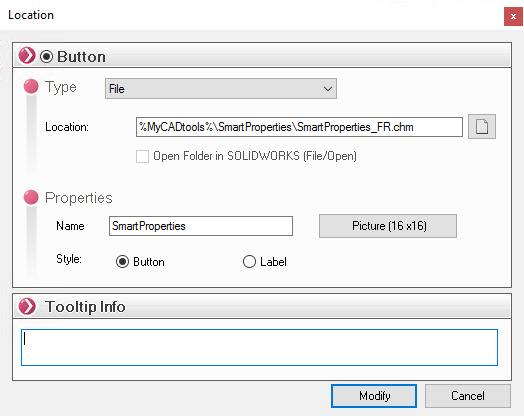
By creating this type of button, users can access all of the company's documentation—regardless of where it is located (on the network or locally)—without leaving the SOLIDWORKS environment. Depending on the file type, an image is displayed by default.
By clicking on the  point to the file you wish to view. The file pointed to can be of any type: Word, Excel, image, text (txt), pdf, chm etc...
A " tooltip " can be entered if the button's name is not self-explanatory.