General Options
- Alignment:
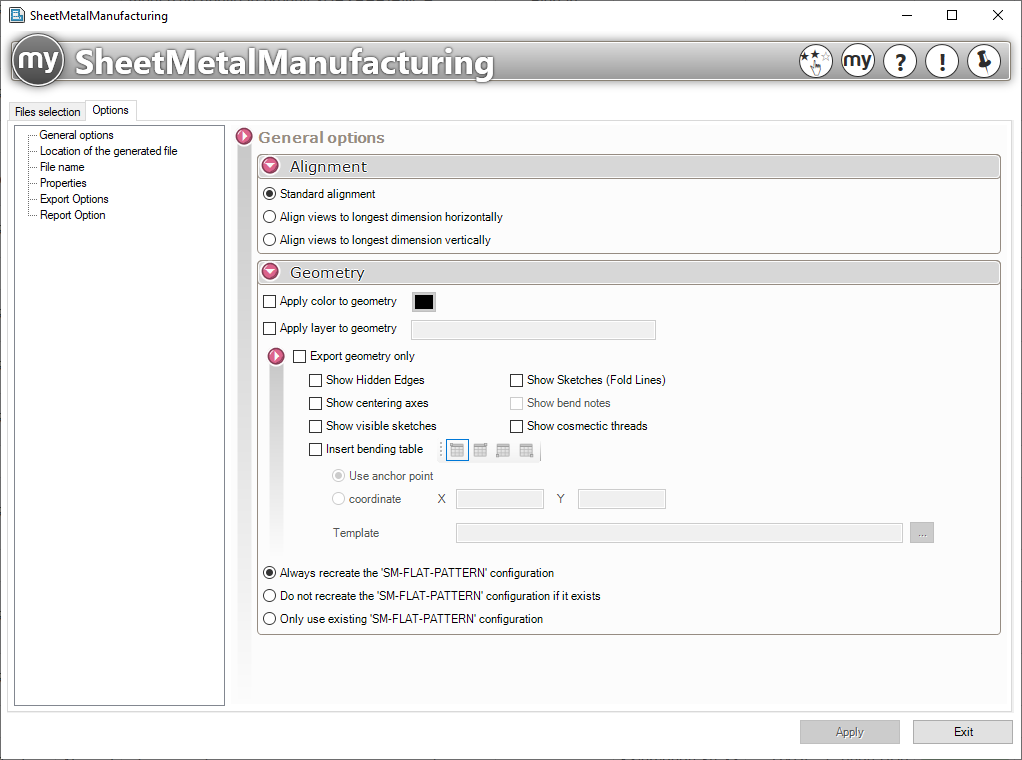
The different views can be aligned in a specific way; check the option you want.
Example:
- Force the exported views to be oriented horizontally by aligning the X-axis of the plane with the longest edge in the net view.
- Force the exported views to be oriented vertically by aligning the Y-axis of the plane with the longest developed edge.
- Geometry:
In the export, you can choose:
- To apply a specific color to the geometry.
- Apply the generated geometry to a specific layer in the SOLIDWORKS drawing.
- In a SOLIDWORKS drawing, when you insert a view of the sheet metal part in its folded state, SOLIDWORKS creates an "SM-FLAT-PATTERN" configuration. If this configuration already exists, you can instruct the tool not to recreate the flat pattern and to use this configuration instead. This speeds up the generation process since the flat pattern is not recalculated. You can also instruct the tool to recreate the "SM-FLAT-PATTERN" configuration or use the one already present in the 3D file (necessary when working in PDM without the myPDMtools).
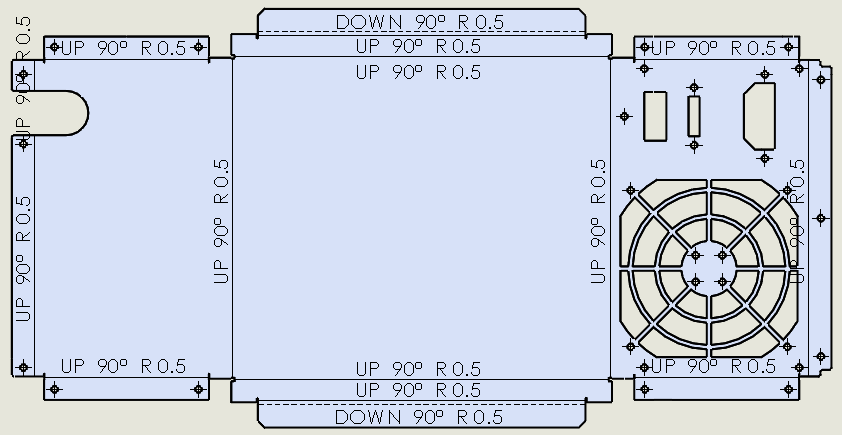
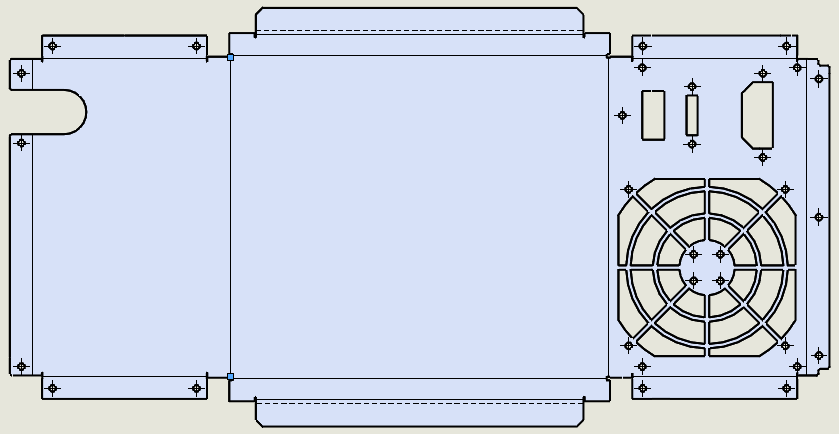
- To export only the geometry, for example, for laser cutting. When you want to include fold lines, you can choose whether or not to display the folding notes (fold angle, fold radius, fold direction).
- Whether or not to display thread representations