View management
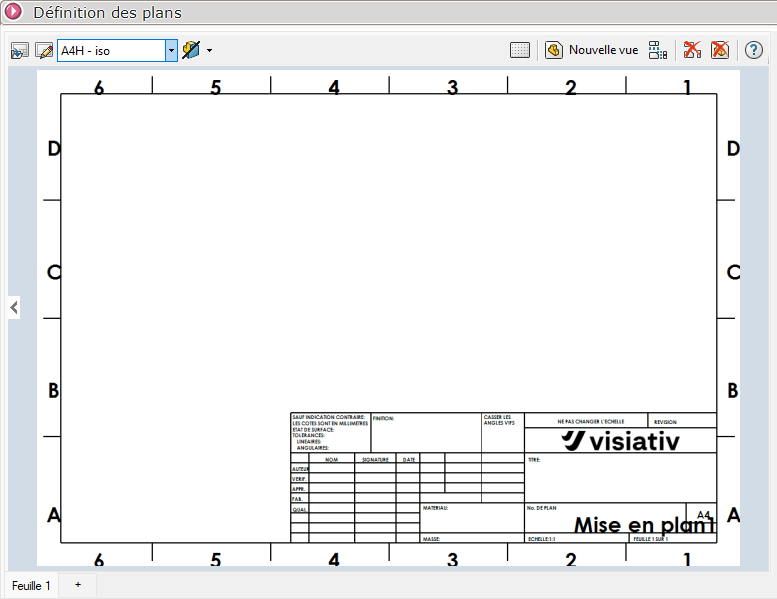
Sheet definition toolbar
The toolbar above the configuration area contains the main commands for configuring your sheets and managing your views:
 Add drawing background: Adds a document template (.slddrt) to the active sheet and adds it to the folder where SmartDrawings stores drawing backgrounds.
 Edit background: Opens the document template directly in SOLIDWORKS for editing.
 Choose a background: Quickly select a template from those set in the general options.
 Sheet creation wizard Open the wizard to define the type of document to be managed on this sheet (Part, Assembly, Sheet metal body, Mechanically welded body, Solid body).
 Show grid: Enables/disables display of positioning grid in configuration area
 New view: Adds a blank view that you can position and configure manually
 Standard 3 views: automatically adds the three standard orthogonal views (bottom, front, right)
 Delete all views: Deletes all views on the active sheet.
 Delete selected view: Deletes only the selected view
You can add new sheets by clicking on the 
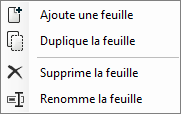
By right-clicking on the sheet name or in the background, you can add a new sheet, duplicate, delete or rename.
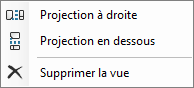
Right-clicking on a view, set as a front view, allows you to project to the right or below.