
"Document Properties" tab
This interface allows you to configure the list of properties to be created based on an XML input template.
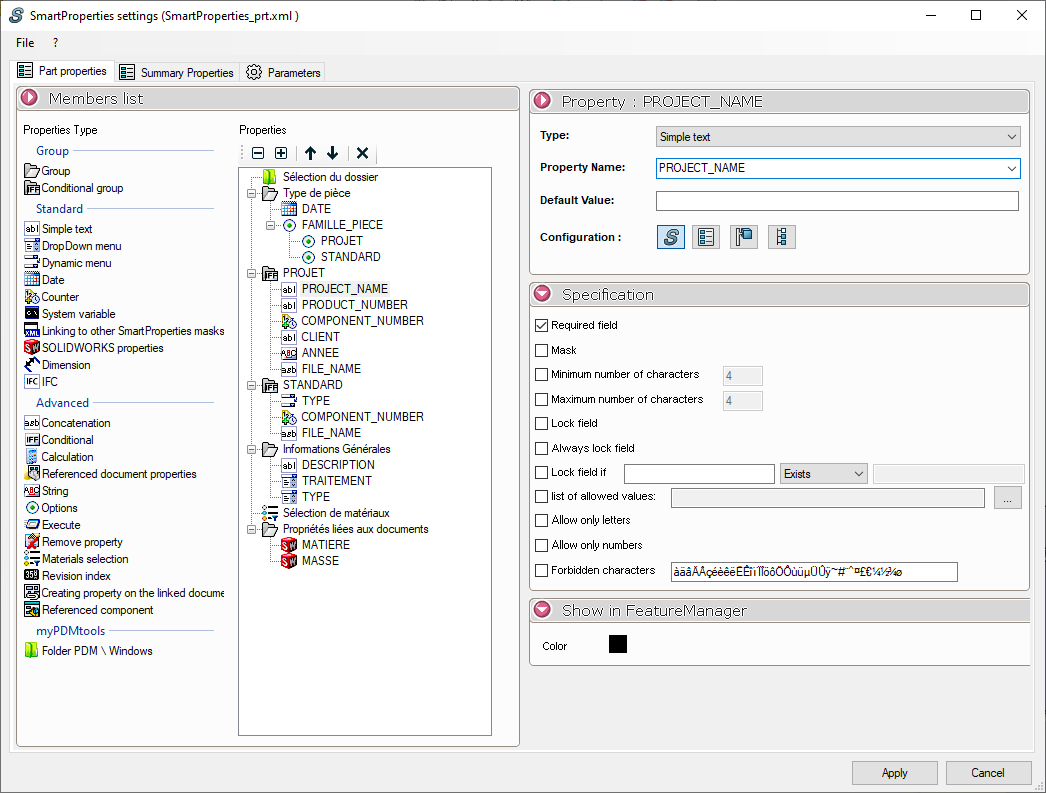
On the left is the list of properties, and on the right are the options for each one. You can:
- Select the " Property Type " from the list provided. This is done simply by dragging and dropping in the " Properties " column. These properties can be organized into groups for easier reading.
- Define the specifications for each property.
- To choose a specific color for displaying the property name in the PropertyManager.