
Options location
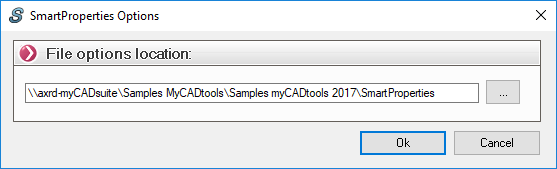
This option allows you to apply SmartProperties settings across your organization to standardize them. This ensures that all users have the same settings and input masks.
These options are stored in an XML file named " DataSettings.xml." By default, this file is located in each user's directory on each machine.
Example: '' \\axrd-myCADsuite\Samples myCADtools\Samples myCADtools 2017\ SmartProperties''
The first time you use SmartProperties, simply select this option, and the " DataSettings. xml" file will be automatically created in that location.
Each user will be able to automatically retrieve all the options at once by entering this location.