
DocBundle Administrative Options
DocBundle's administrative options are accessible through the myPDMtools options:
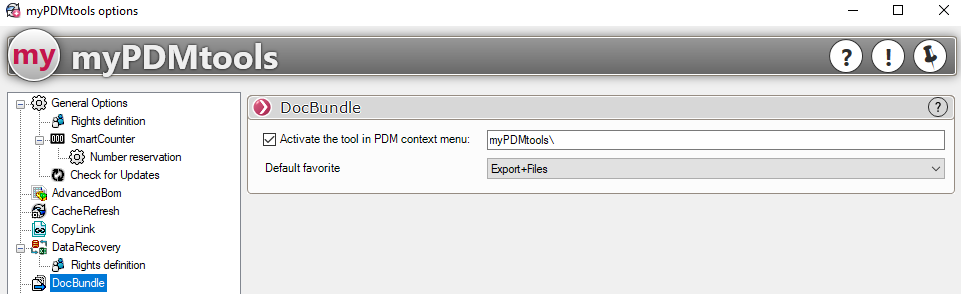
The DocBundle tool is accessible only by right-clicking in a PDM explorer; therefore, to use DocBundle, you must ensure that the following option remains checked:

You can also use a default favorite when creating the package; select it from this drop-down menu:

This allows you to apply a group or file favorite when creating the bundle, so you don't end up with an empty bundle.
You can use DocBundle exclusively to automatically generate your document bundles when the status of the documents changes or by right-clicking on one or more files. In this case, you can disable this menu after creating a document bundle template file.
See the "Batch Favorites" chapter