eDrawings
If you select the "eDrawings" option, DocPublication will use the eDrawings software to convert compatible files into various formats
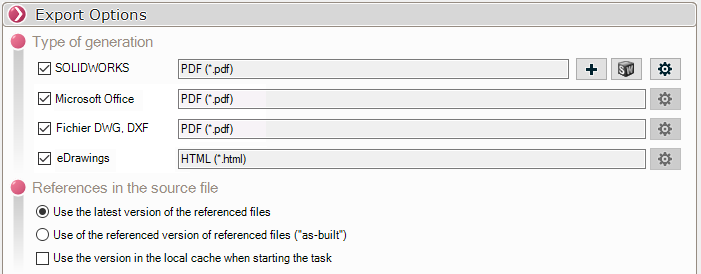
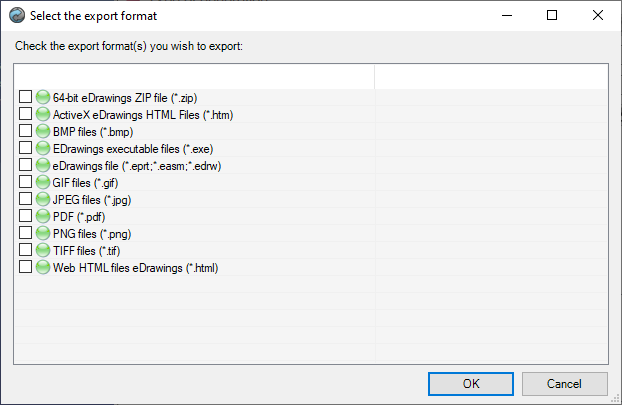
By clicking on the  The output formats of the document types to be taken into account are set. Several formats can be selected:
Generating HTML Web Content from eDrawings:
 File generation in HTML Web format is available only starting from eDrawings Pro 2019
Generating PDFs from eDrawings:
Generating PDF files from eDrawings uses the Microsoft Print to PDF printer. This type of printing does not support print sizes larger than A4.
A4 plans will therefore be printed in A4 format, and plans larger than A4 will be printed in A3 format.
For DXF/DWG files, they are always printed in A3 landscape format (it is not possible to know the format of a DXF/DWG document from eDrawinngs)
The eDrawings generation does not allow to set conversion options. 
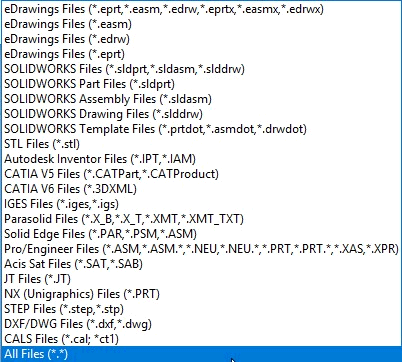
Any files that can be opened in eDrawings can be used by DocPublication to perform conversion tasks: