
Add conditions

In this window, you must specify conditions for adding files to the PDM vault using DragToPDM

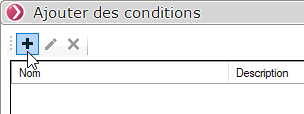
A window allows you to define the rules to be applied when adding a file:
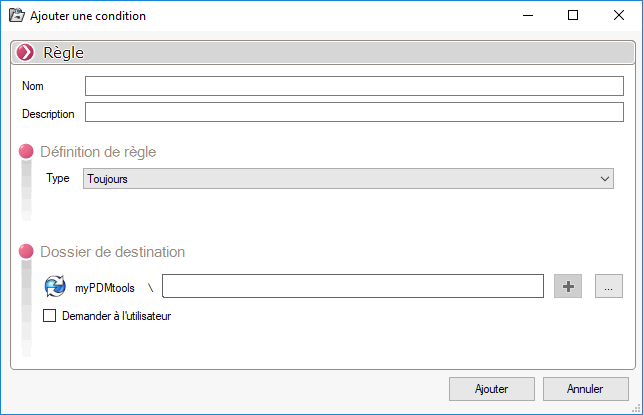
You must therefore specify a name and, if necessary, a description for the new rule:

The administrator must then define the type of rule, such as a rule based on file extensions: (When the extension rule includes multiple extensions, the extensions must be entered without the period and separated by commas.)

Then select a destination folder for the ruler by clicking on 
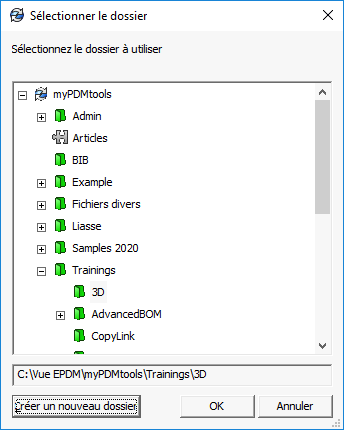
The path to the PDM vault folder is then entered:
If the "Ask the user" option is checked:

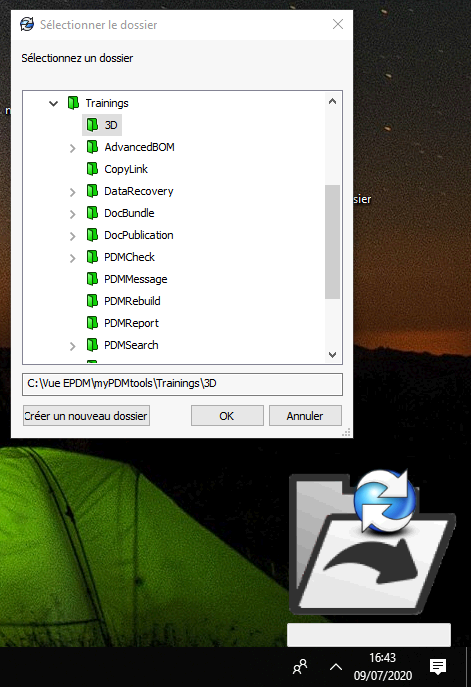
When files are routed to PDM by this rule, the user will see a window appear to select a folder, but the folder selection dialog will be set by default to the folder selected by the administrator:
To edit a rule, select the line and click on 
To edit a rule, select the row and click on 