Outsourcing a project
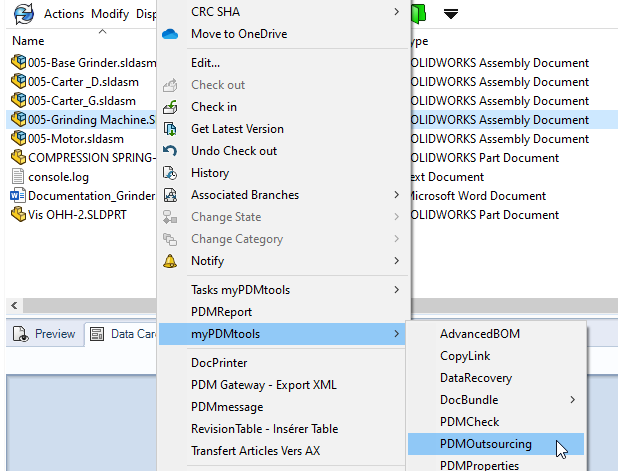
To create an externalization, simply run the tool on a SOLIDWORKS document from the PDM Explorer:
The PDMOutsourcing window will then appear:
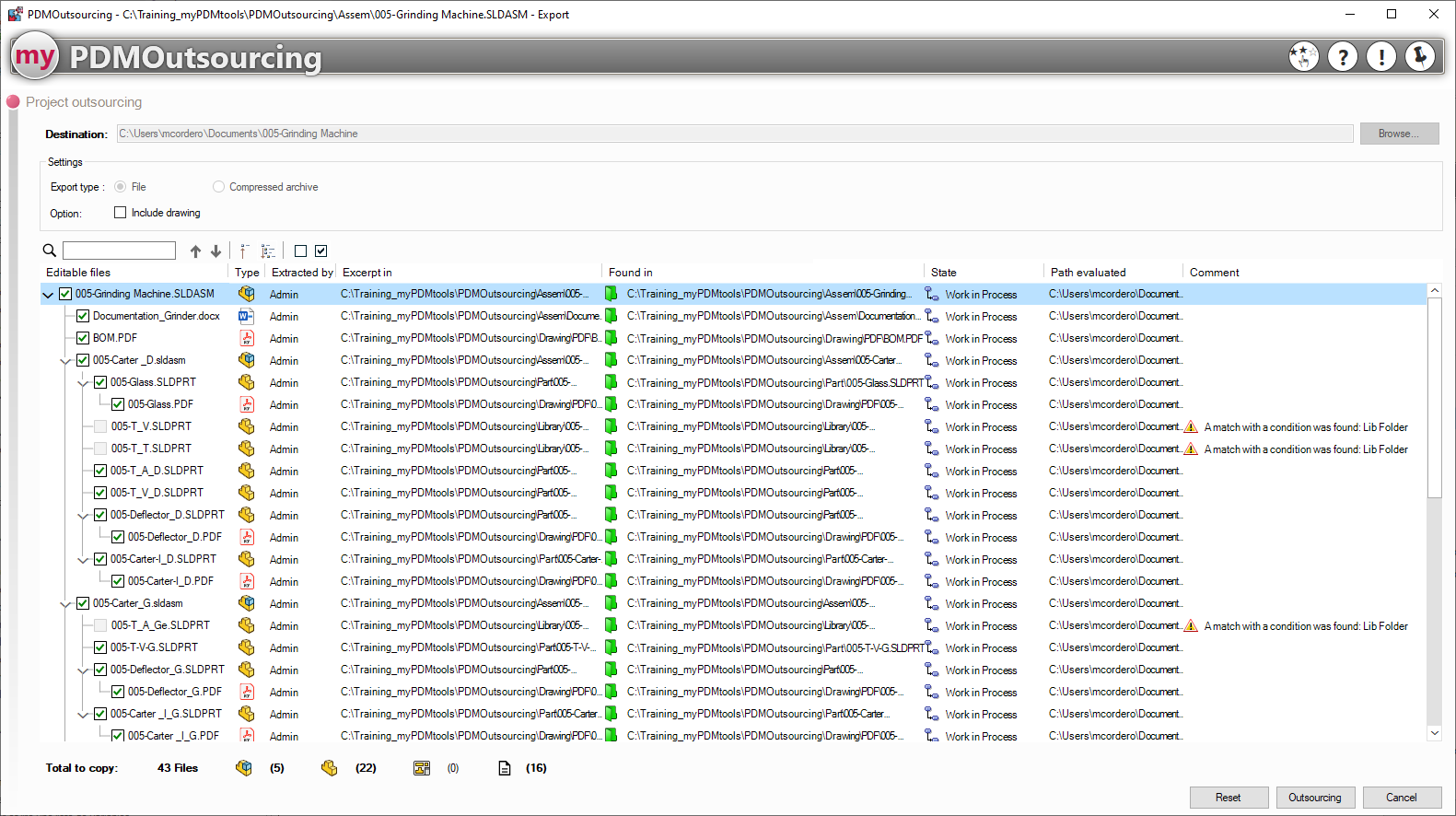
Here is the location specified in the PDM options:

If the administrator has enabled this feature, you can select the export type:

The user can also automatically add the project drawings:
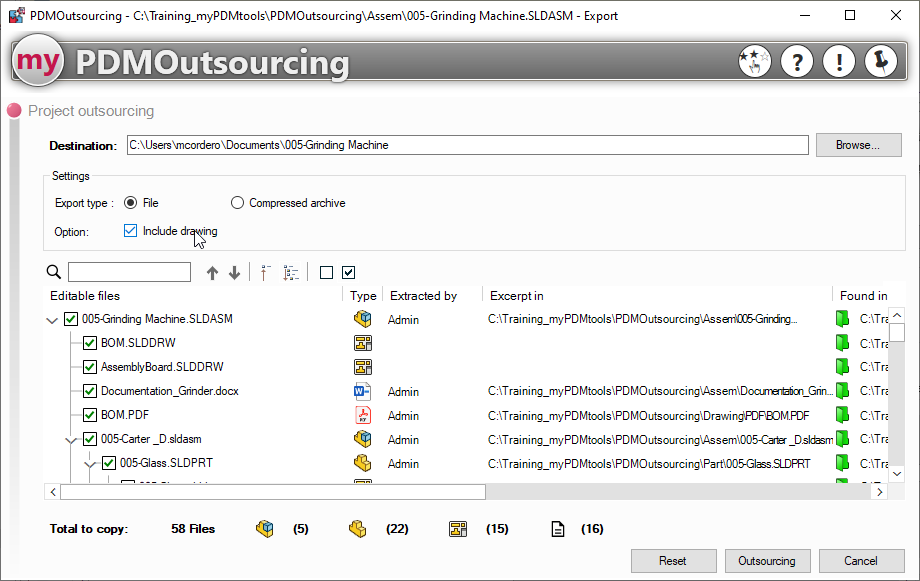
Warning: PDMOutsourcing retrieves child documents, except for drawings
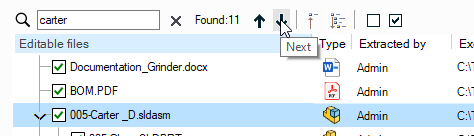
You can find a document using the search tool and the arrows to navigate through the results (this is a "contains" search, and the Cass field is not taken into account):
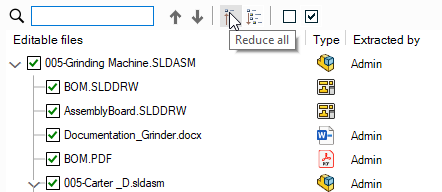
These options  allow to group or develop everything:
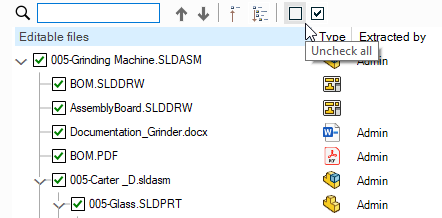
Using these buttons, you can also select or deselect all items:
The columns display various details about outsourced documents, such as the name, type, extraction information, locations, status, destination paths, and finally a comment specific to PDMOutsourcing:

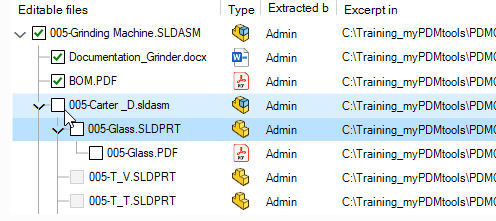
To manually mark a document as read-only, the user simply needs to uncheck it; the document's children will automatically be unchecked and thus become read-only:
At the bottom of the tool window, you'll find the number of documents to copy by type:

Documents of type Other (PDF, Word...) are represented by this icon 
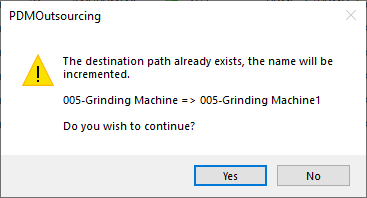
When you click "Outsource," if a folder already exists at the specified location, a message will prompt you to automatically increment the folder name: