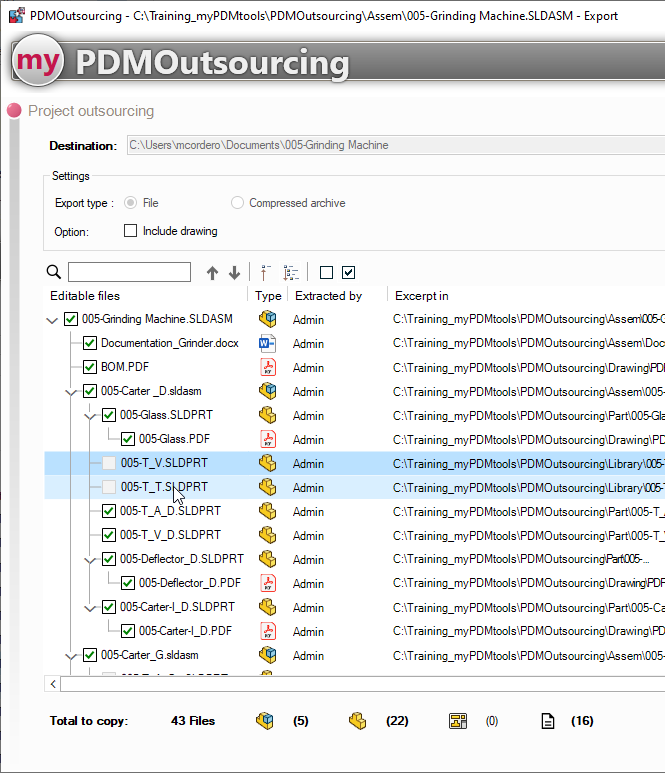
Non-modifiable files
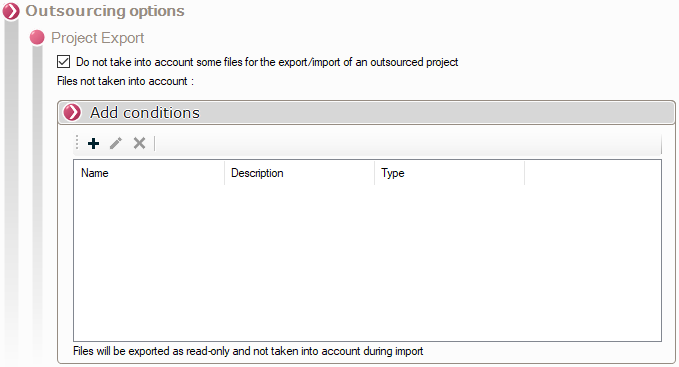
The PDMOutsourcing tool automatically selects files that cannot be modified by the external service provider.
To add conditions, check the box next to the option:

The tool then allows you to add conditions by clicking on:
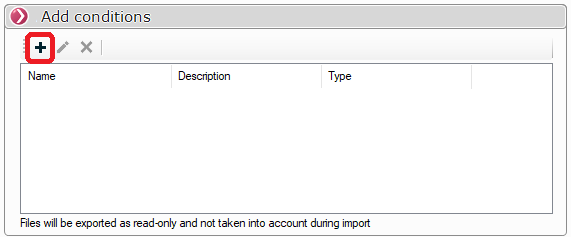
A window will then appear prompting you to set the condition:
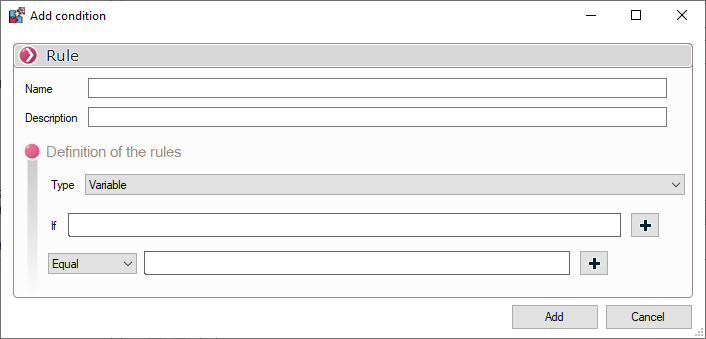
You must then enter the name and an optional description:

There are two types of conditions:
- Location:
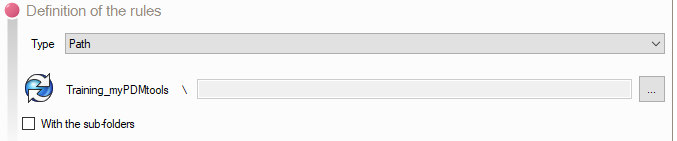
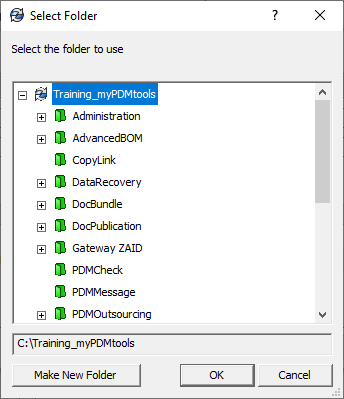
You just have to select the folder that contains the documents that cannot be modified by the subcontractor using the button 
Then simply select the folder:
You can automatically include items from subfolders by checking the following option:

- Variable:
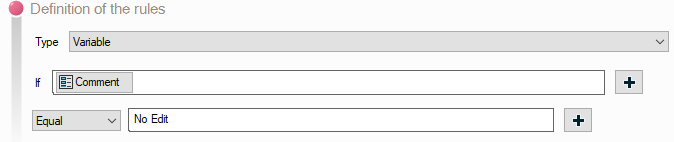
You can also mark as unmodifiable any documents in which a variable does not satisfy the equality condition.
You just have to fill in the variable to be tested with the variable concatenation tool by clicking on 
There are 4 conditions for equality:

You can then set a fixed value, or use the variable concatenation tool by clicking on to set the equality condition:

Any referenced documents for which the rules are true cannot be checked and will therefore automatically be marked as read-only in the outsourcing process: