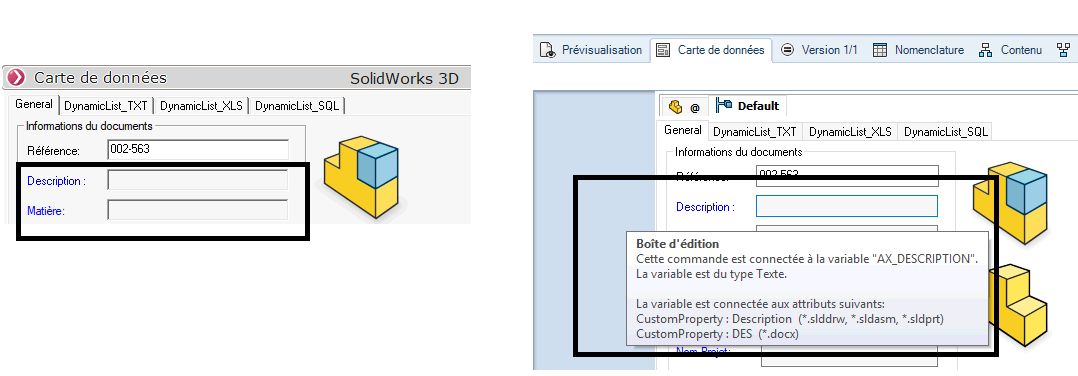
Data Card Information
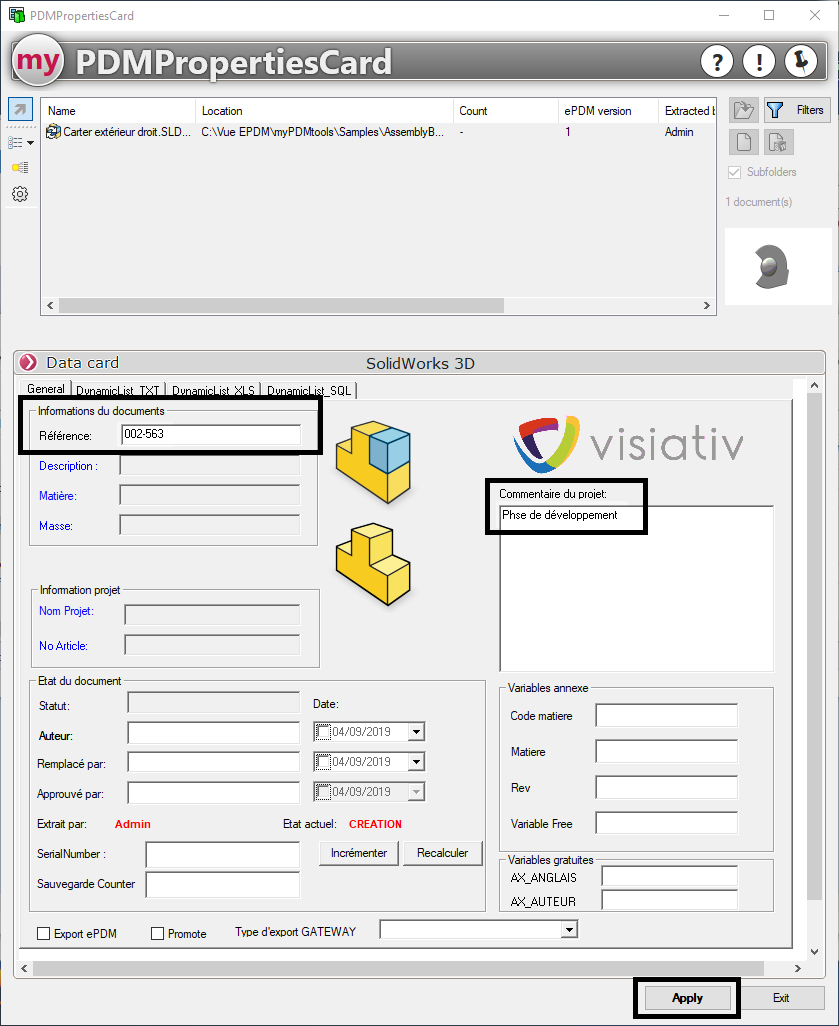
To fill in data cards using PDMPropertiesCard, simply enter the values and click “Apply”:
(Empty fields will not be marked as empty by the PDMPropertiesCard tool; they will simply remain unchanged.)
As with a PDM data card, all controls are available:
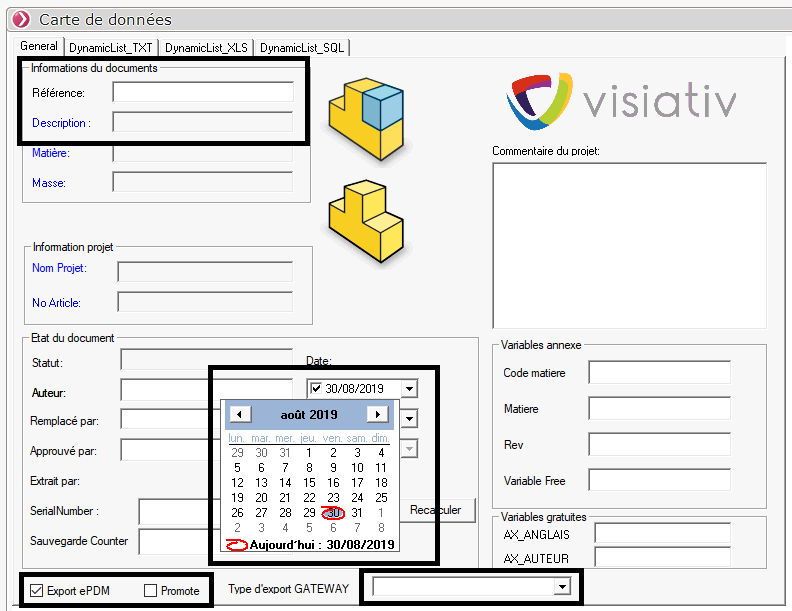
When fields are non-editable—for example, because they are linked to SOLIDWORKS attributes—they are grayed out, just as they are in PDM data cards:
PDMPropertiesCard Data Card