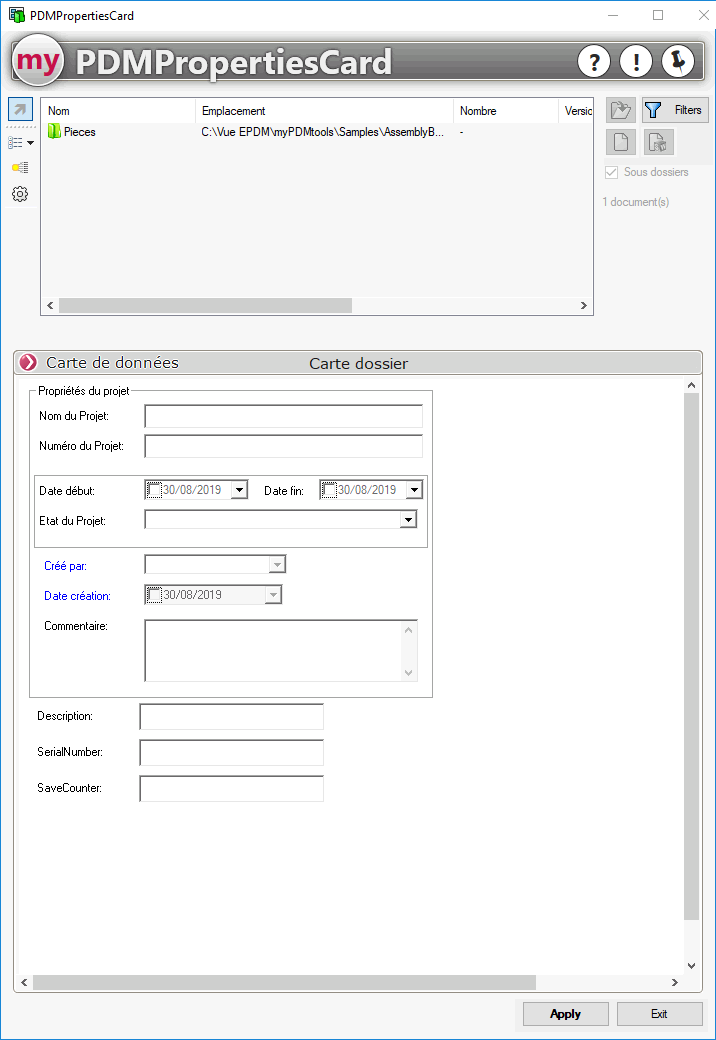
Use the data map for the file or folder
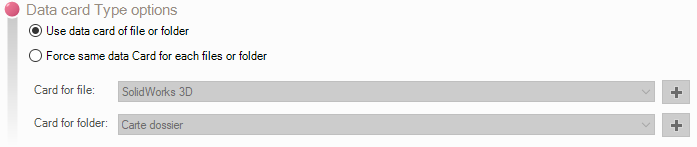
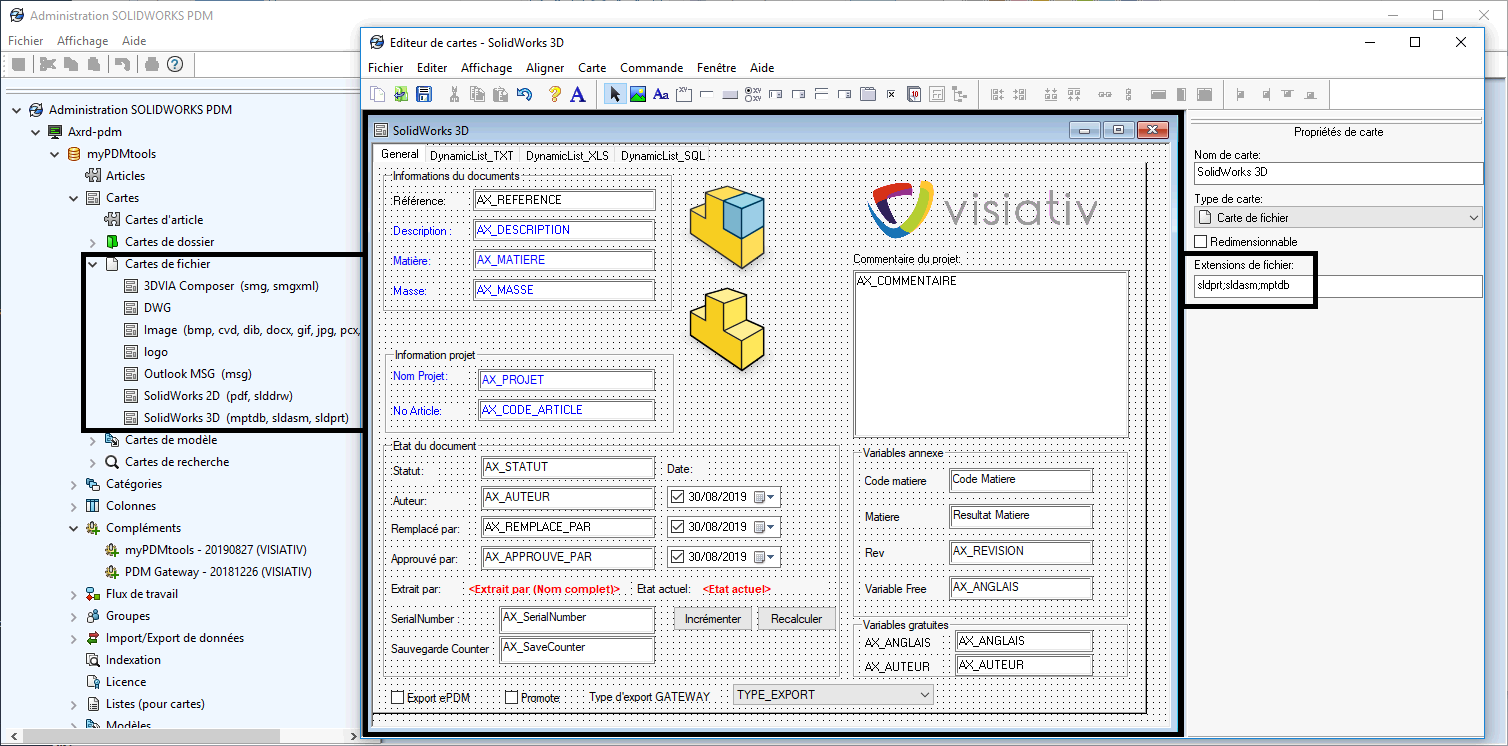
When the "Use the data card for the file or folder"option is checked in the settings, launching PDMPropertiesCard on a file automatically displays the data card defined in the PDM administration for the selected file:
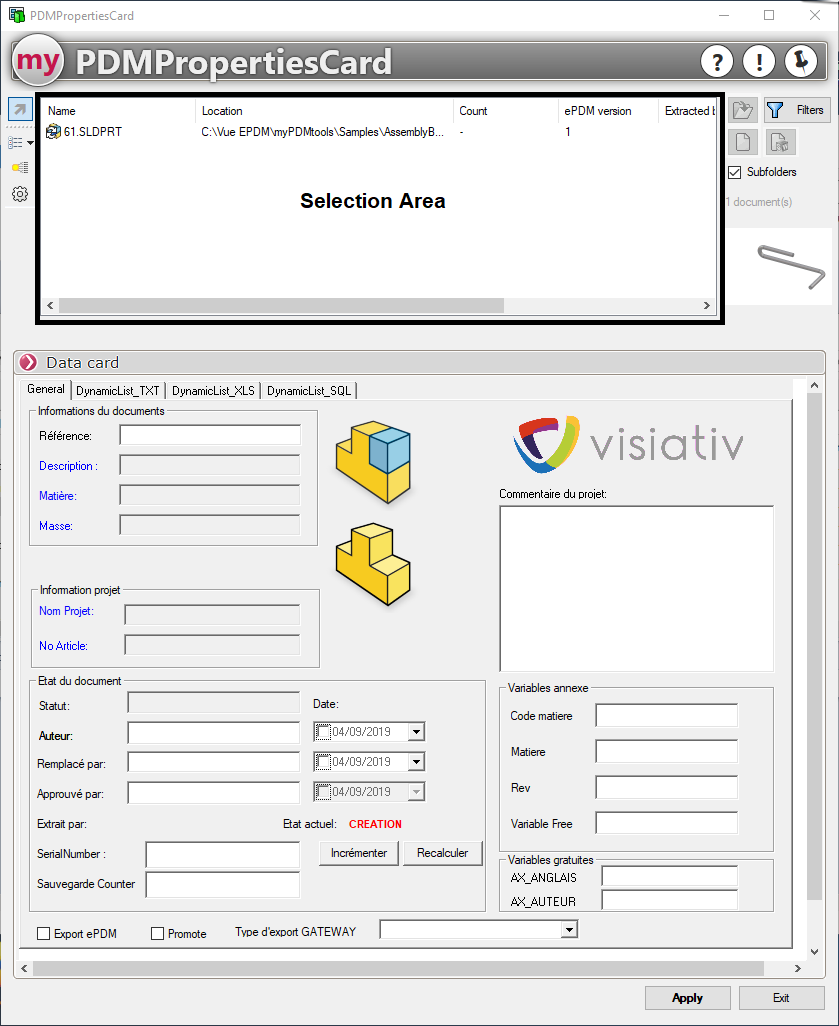
In this mode, PDMPropertiesCard does not allow you to add files to the file selection area; only the files or folders on which PDMPropertiesCard was launched appear in the File/Folder selection area:
Example using a file:
Example using folder selection: