
Définition d'un rapport accessible depuis le menu contextuel
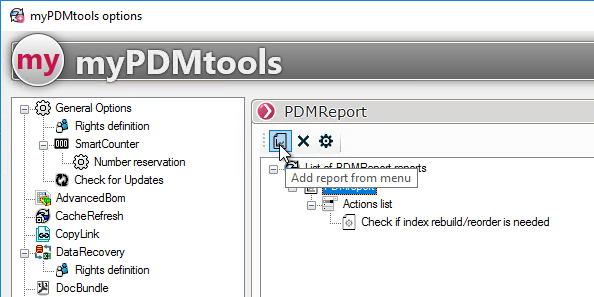
Lorsque l'on clique sur  'Ajouter un rapport depuis le menu', un assistant est lancé pour définir le rapport.
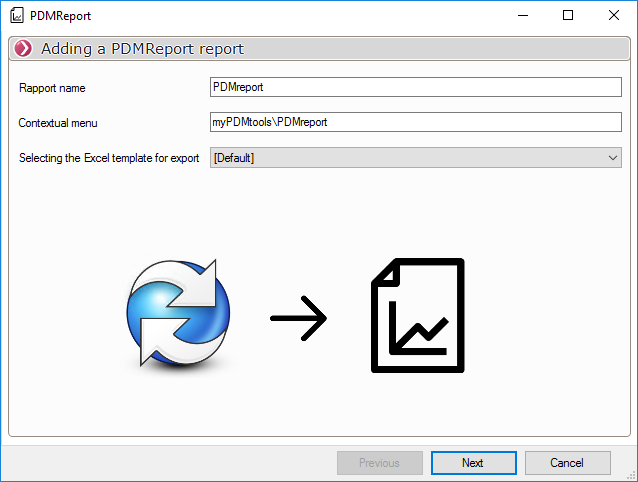
Il faut alors définir:
- Le nom du rapport (Celui qui apparaît dans les options myPDMtools)
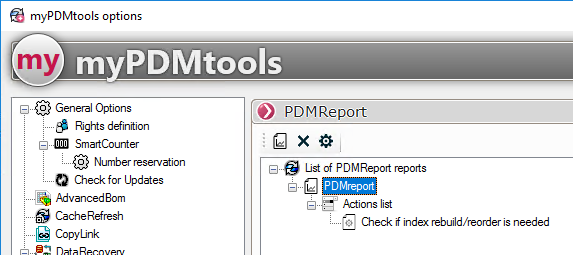
- Le menu contextuel PDM qui permettra de lancer le rapport.

- Le modèle Excel à utiliser pour l'export du résultat du rapport:
L'étape suivante permet de définir les groupes d'utilisateur ayant accès à l'outil:

La dernière étape de l'assistant permettra de définir les requêtes à ajouter au rapport PDMReport, voir section: Ajout de requêtes
Pour supprimer un rapport, sélectionnez le et cliquez sur  ou utilisez la touche Suppr