General Options
Here, we define the variables that will be displayed in the report by default.
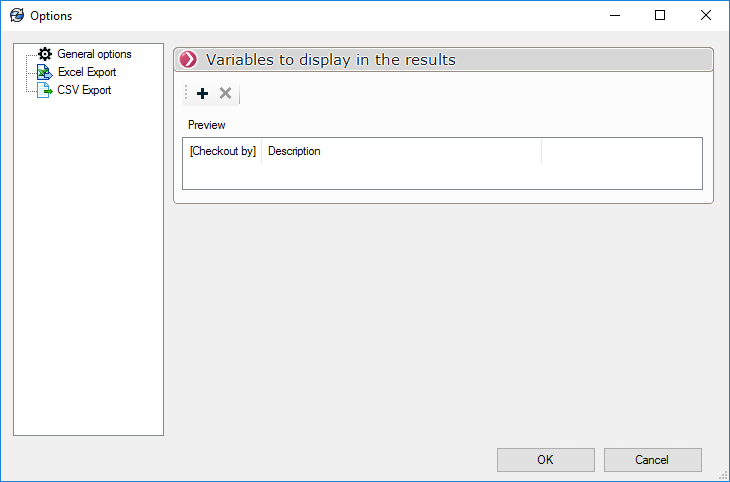
The icon  allows you to add a variable that will be assigned to a column of the report. The variable can be chosen from the drop-down list.
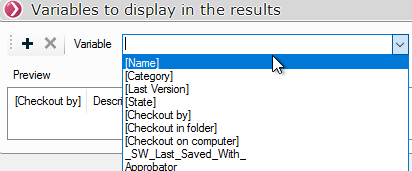
Variables can be rearranged by simply dragging and dropping them in the "Preview" section.
The icon  allows you to delete a variable after selecting it.
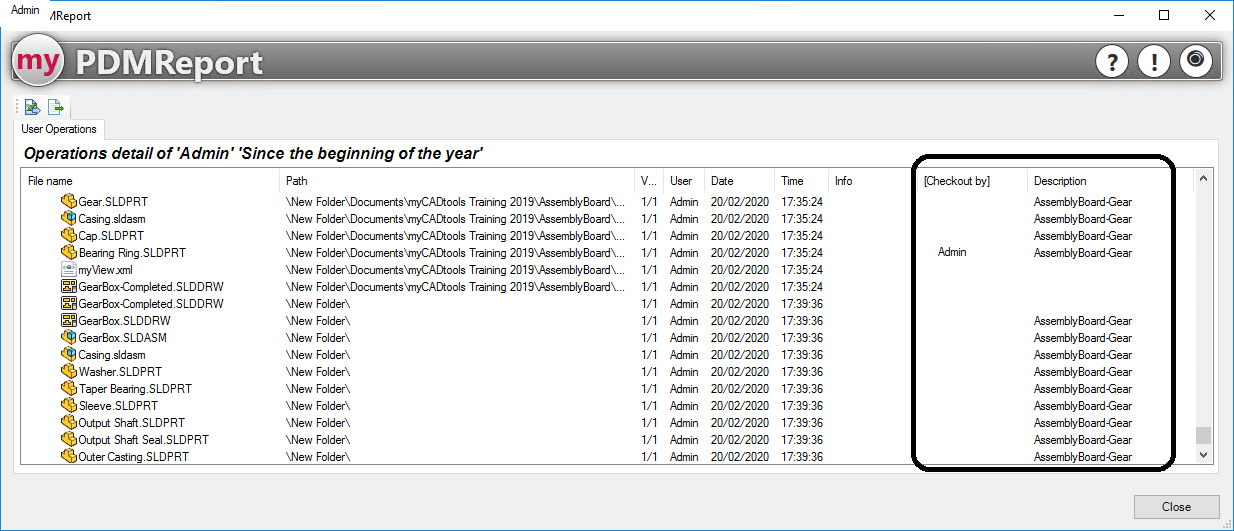
The user will then see the standard columns from the PDMReport results, along with the columns they have configured in the PDMReport Options: