Mass rename files
File naming :
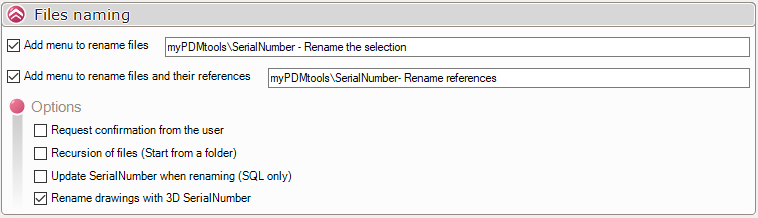
When you use the naming options, the file will be renamed with the variable value defined in the SerialNumber :

In this case, the SerialNumber will not be recalculated; if the value is empty, the file will not be renamed.
The serialNumber will be recalculated if the  is checked
The option  allows you to rename the drawing with the value of the variable in the associated 3D file. In this case, the value of the map variable in the drawing is ignored.
A report is provided at the end of the action if there was an error during renaming.
Two possible options:
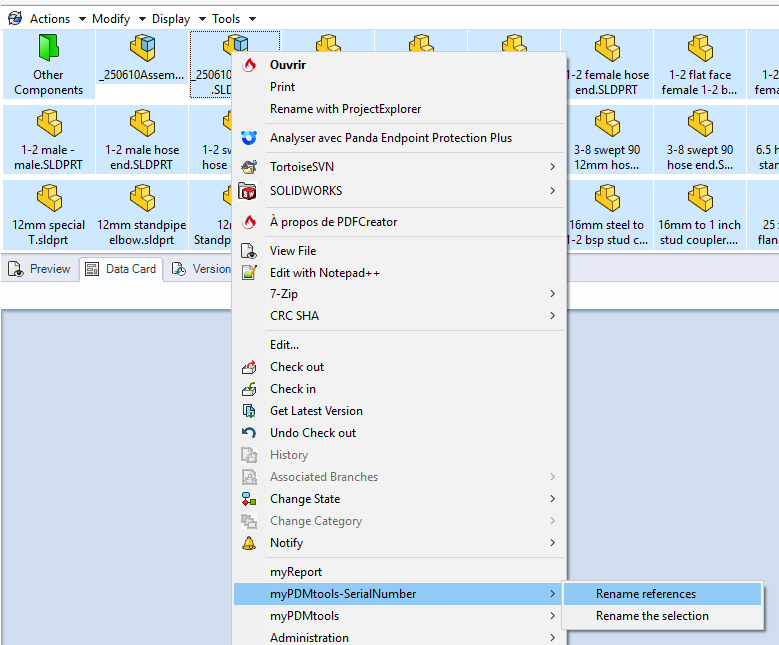
- Add a context menu for renaming files :

Select the files or a folder and right-click ->. Rename selection with SerialNumber.
If a file is selected, this option will be taken into account: 
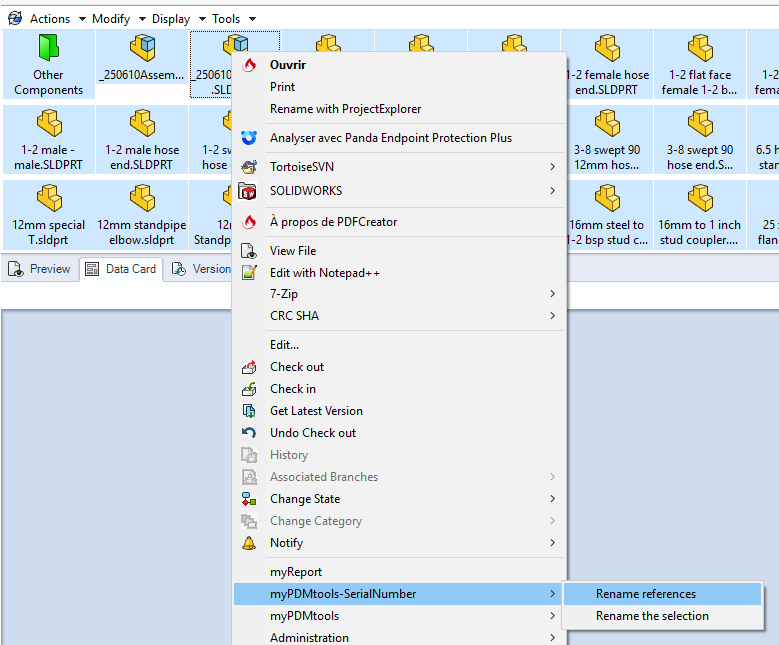
- Rename references with SerialNumber renames file references
For example, when selecting an assembly, we will recursively rename everything found in 'Contents' and 'Used in'.