
Viewing and modifying document properties
The "Properties" command  in the top menu bar, or in the drop-down menu using the right mouse button, displays and modifies document properties.
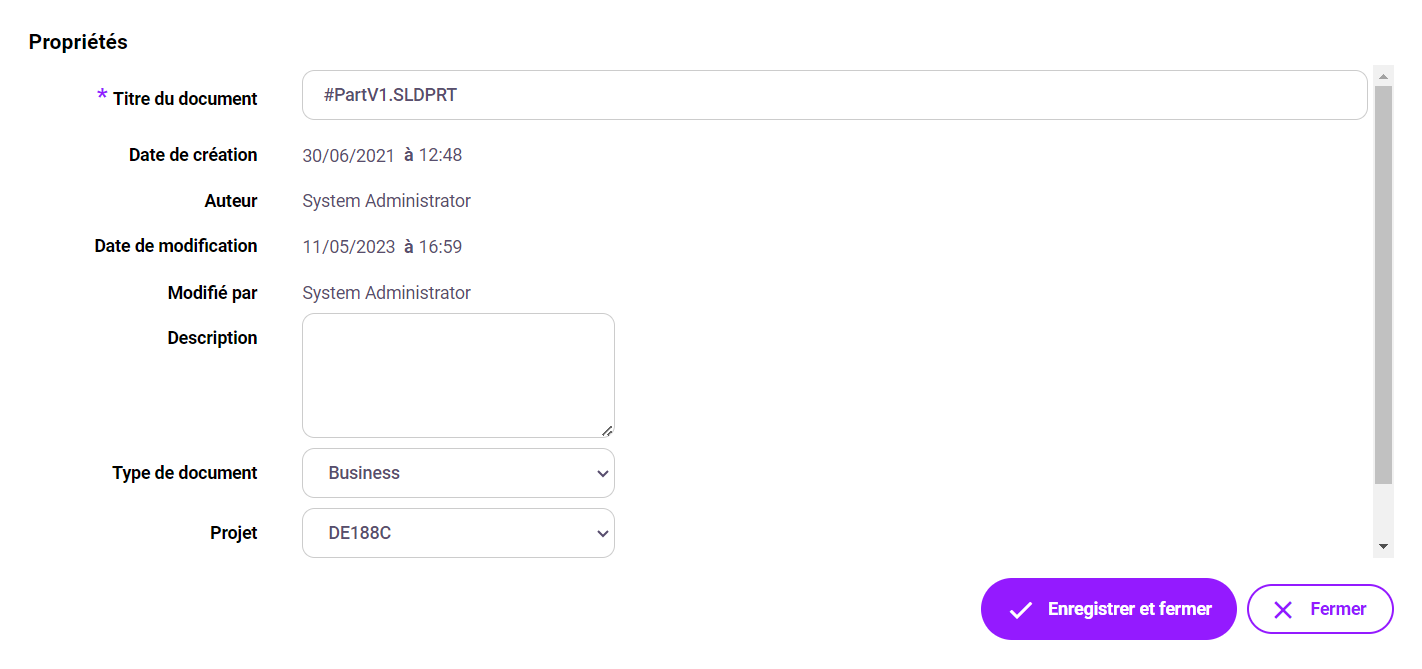
Properties for which the "Display fields in property windows has been enabled in the document type properties, will appear in this window.
Export document attributes to Excel
To extract document attributes into an Excel file, select one or more documents and/or folders, then select " ".Exporting data ". You need to be a platform administrator to carry out this export.
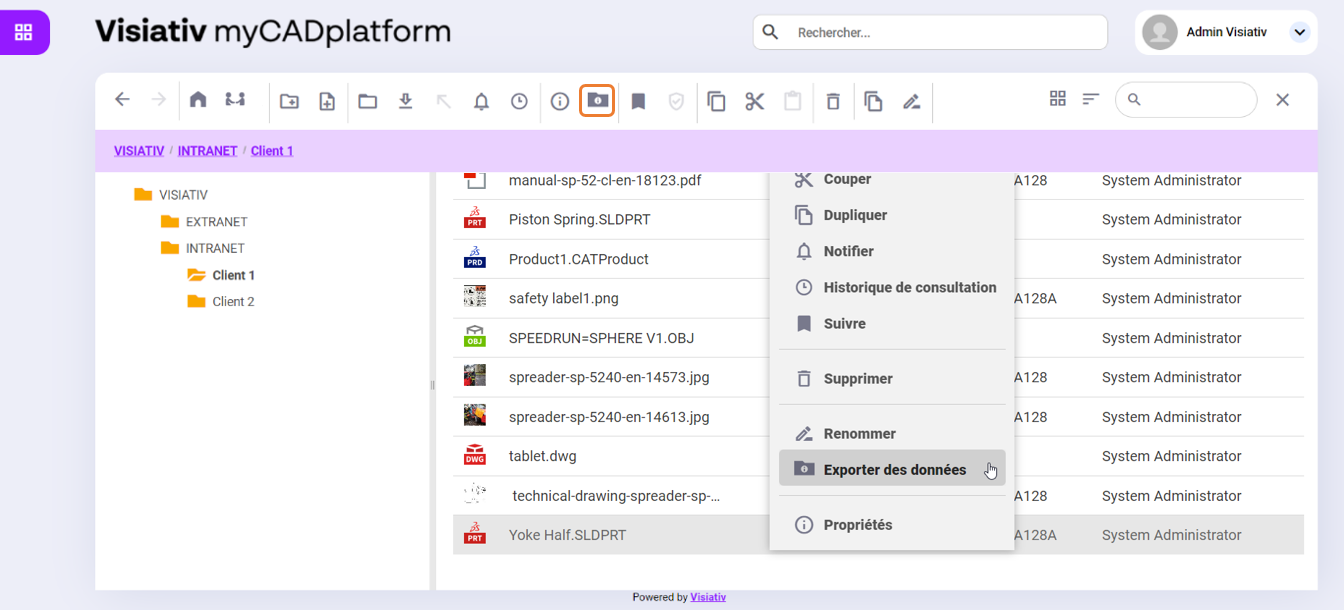
The following information is extracted in the Excel file

Setting the file deletion date
You can set a date on which a document will be deleted from the "Properties" window.
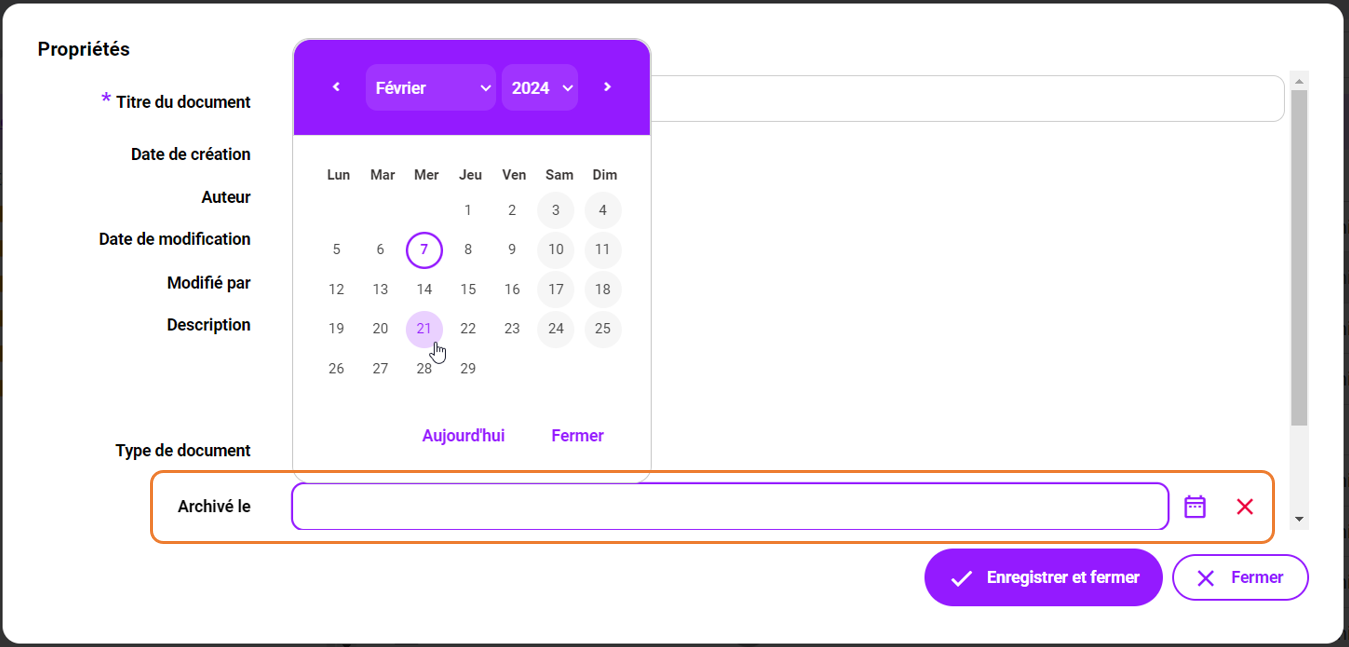
Only the file owner or administrators can add or modify this date.
When a file reaches the date (midnight), it is deleted.