
Users do not have the option of registering via an account creation form. They can be added to the platform in two different ways:
- By adding access rights to folders in Web Explorer (Director)
- By adding users via the middle office (Director)
In this way, you can give "read-only" or "read-write" folder rights to users who have not yet registered on the platform.
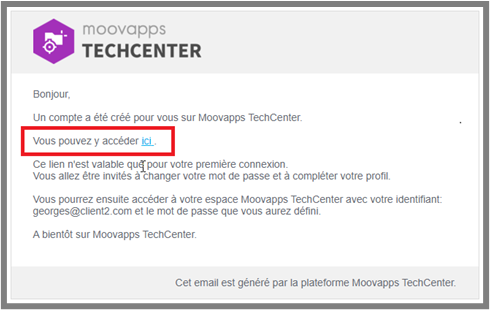
The user will then receive an e-mail notification that an account has been created on myCADplatform :
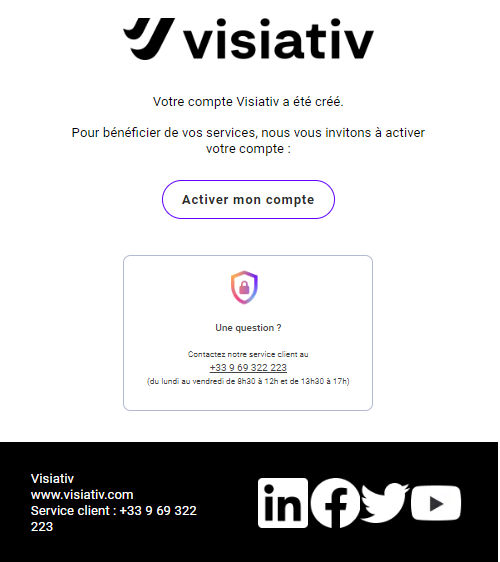
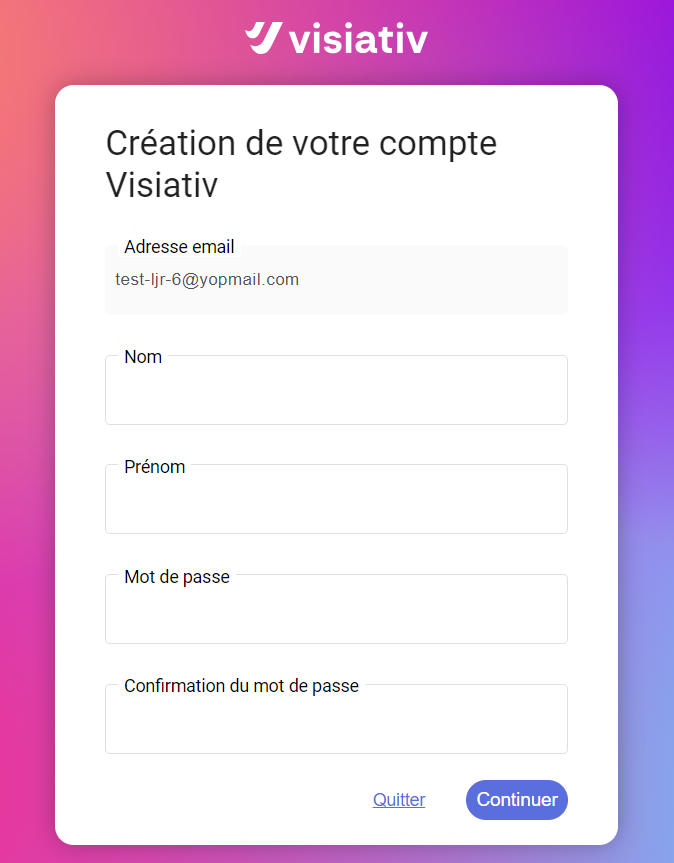
The user will receive a second e-mail to activate his Visiativ account. They will be asked to enter their first and last names, and to enter their password. Once registered, they will be able to access myCADplatform and the folders to which you have given them access.
Users then connect to the platform via their Visiativ login: e-mail address (unique identifier) and password.