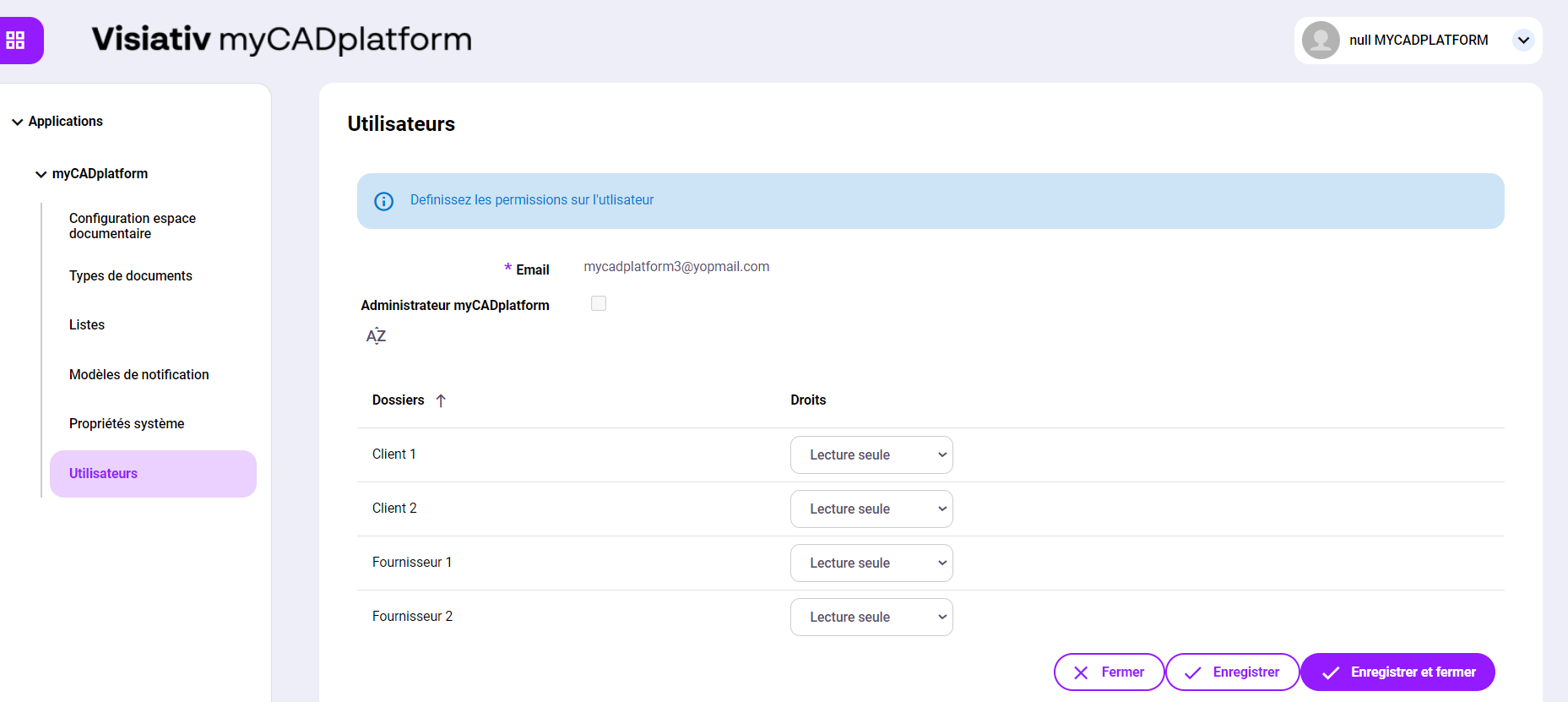
Middle Office access rights management
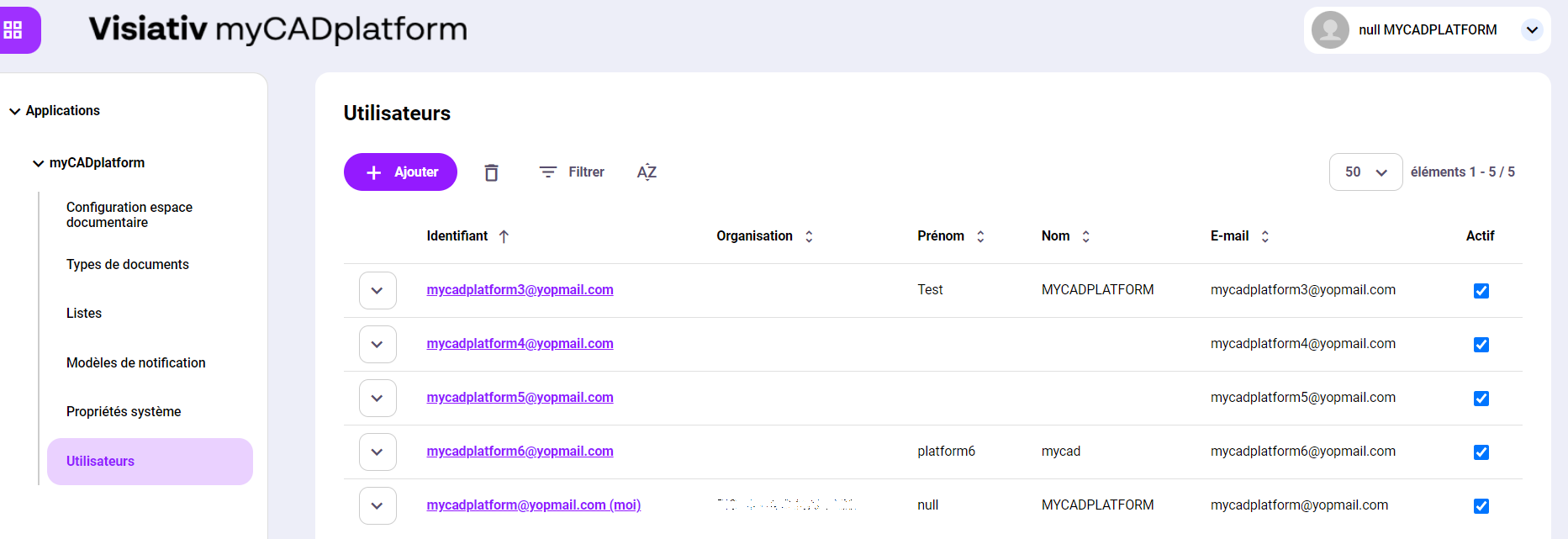
Access rights can be created or modified from the Middle Office. This is where you'll find the list of users with accounts in your myCADplatform space. For each of these accounts, you can modify the rights (read-only or read and write or none) or delete the account.
When you edit an account, only the folders corresponding to the tree level you set appear.
You can also add a user and assign the necessary rights.
A user can be declared as "Admin". In this case, he/she will have access to the document room configurations in the Middle Office and will have read and write rights to all document room folders.