Overview
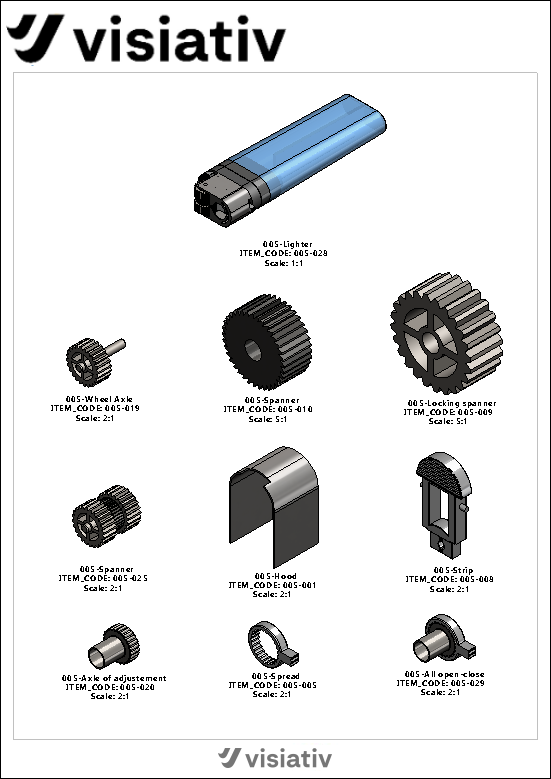
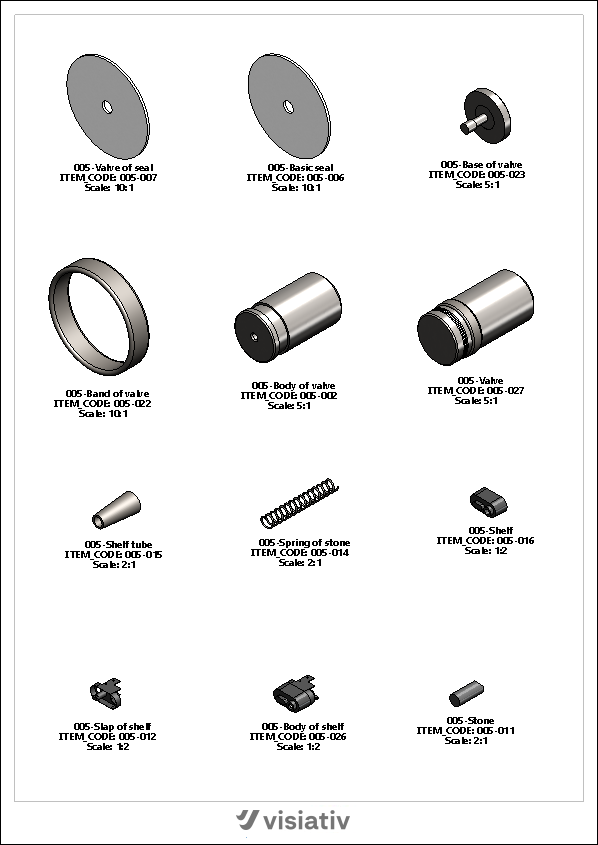
Depending on the type of bill of materials created, a component sheet includes a top-level assembly view (optional) and a view for each of the components (parts or subassemblies) that make up the assembly. Each view is associated with annotations derived from the view in question and the properties of the component displayed in that view.
The result is a SOLIDWORKS drawing consisting of one or more sheets, depending on the assembly's structure and the number of components per sheet.
Using SOLIDWORKS drawings allows you to:
- Associativity with the 3D model.
- To be able to interactively modify each of the views created (Scale, Orientation, Style, etc.).
- To integrate seamlessly with PDM solutions.
The tool allows you to configure:
- The breakdown of the assembly structure by defining the method for selecting components.
- Creating templates and defining pages for the layout.
- The scales of the views created.
- The default view type (Style, Orientation, Scale, etc.).
- Annotations for the extracted properties.
- Exporting and Importing Layouts.