
Icons in Terms and Conditions and Operations
For certain conditions/operations, the icon is gray, which means that this condition does not require SOLIDWORKS to be opened. In other words, if you create actions that consist only of conditions and operations with the gray icon, the “Integration” tool will not load the documents into SOLIDWORKS, and processing will be very fast in this case.
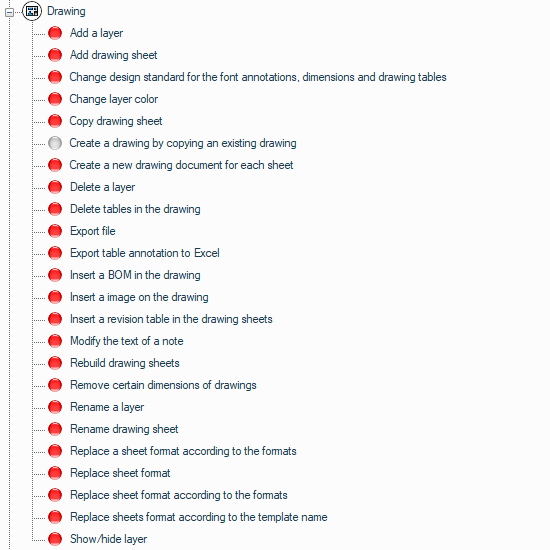
 No need to open the document in SOLIDWORKS
 No need to open the document in SOLIDWORKS (New)
 Requires document to be opened in SOLIDWORKS
 Requires document to be opened in SOLIDWORKS (New)