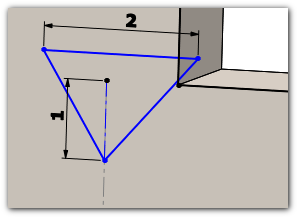
Modify a marking
Any changes to a mark created with the MarkFoldLines tool must be made in "unfolded" mode.
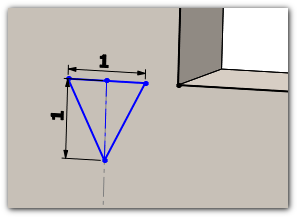
This step may be necessary if, for example, the selected block is completely inside the sheet metal or if its dimensions need to be changed.
There are two possible solutions:
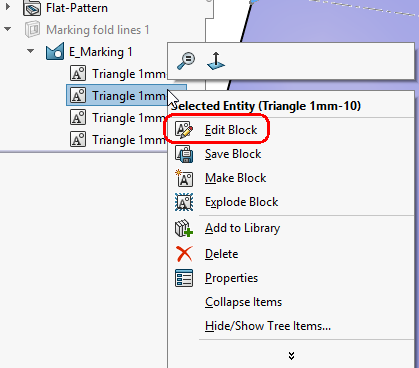
- The first option is to " Edit the sketch block." In this case, all cuts based on this shape will also be modified.
|
|
|
|
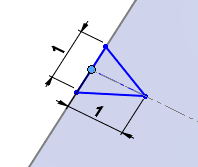
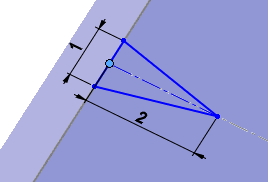
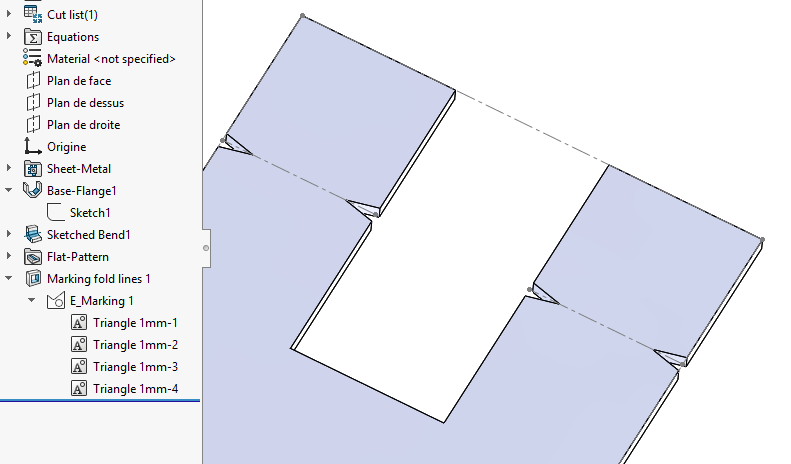
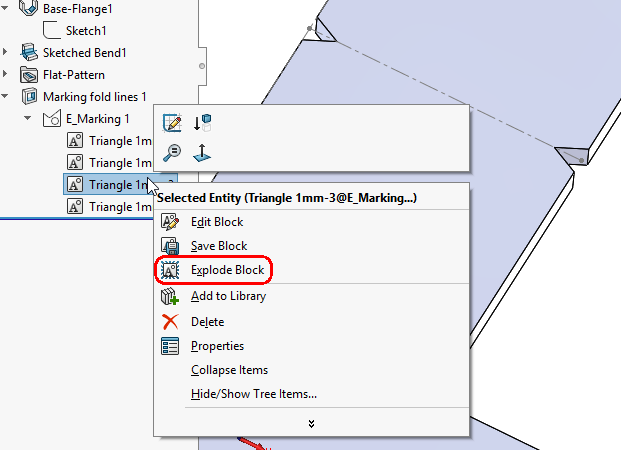
- The second option is to modify only one of the cutout shapes. To do this, you must “Explode the block.” In this case, only that shape is modified; the other cutouts are not affected by the change.
|
|
|
|
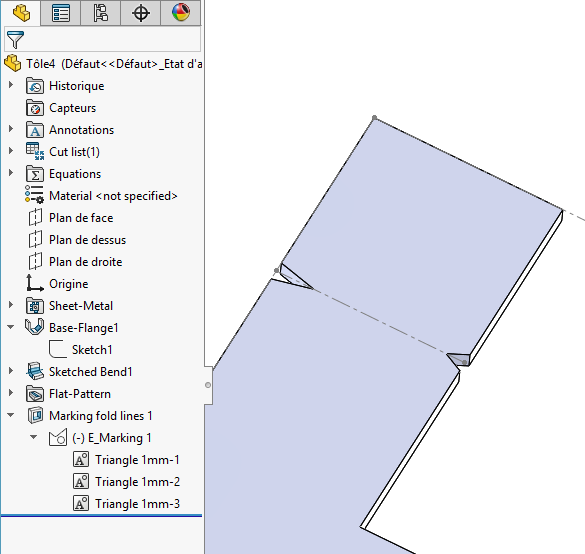
Special case of folding lines where the cutouts are located on the inside of the side panel.
 -->