System Variables
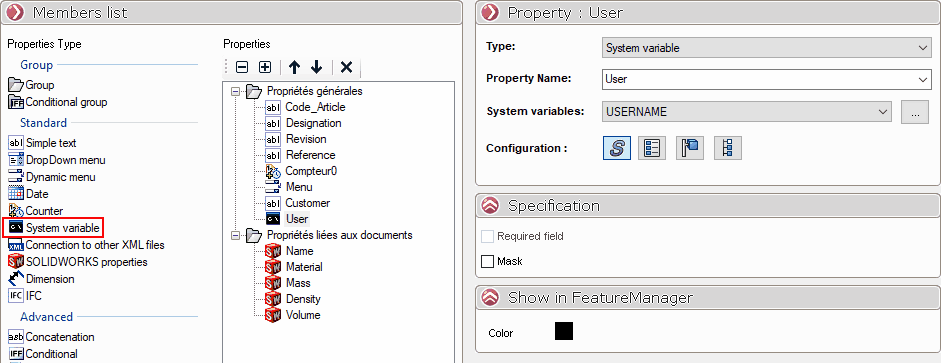
Using a simple drag-and-drop, place the " System Variables " icon in the desired location in the " Properties " column. Alternatively, double-click the " System Variables " icon.
This type of property allows you to retrieve the system variables for the workstation in a field.
Under " System Variables," there is a drop-down menu listing all the system variables.
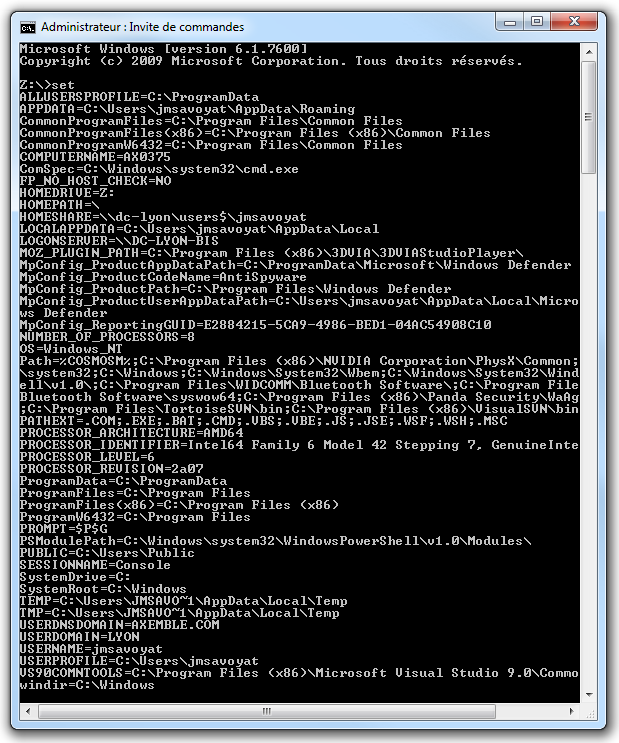
You can view all system variables by opening a DOS window and typing " set":
You will then see a list of the variables available for this type of property.