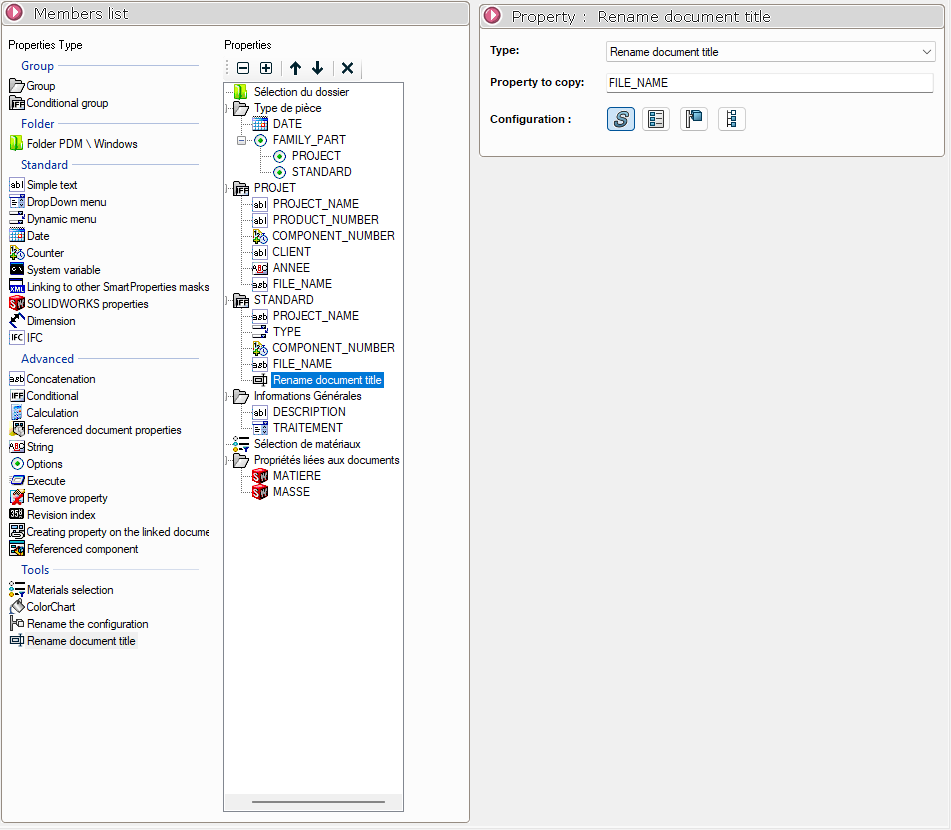
Rename document title
Using a simple drag-and-drop, place the " Rename Document Title " icon in the desired location in the " Properties " column. Alternatively, double-click the " Rename Document Title" icon.
This property type allows you to define the property that will be used to name the configurations.
In the settings, you simply define the property name that generates a unique value and will be used as the name.
In our example, FILE_NAME is a concatenation that allows us to have a unique value—that is, a name for each configuration.