Installation of the certificate on the client workstations
User workstations that will run the Publish task must install a certificate on their machines.
This certificate, which contains the private and public keys (pfx file), will be provided by the Microsoft Azure AD administrator.
Just double-click the certificate file:
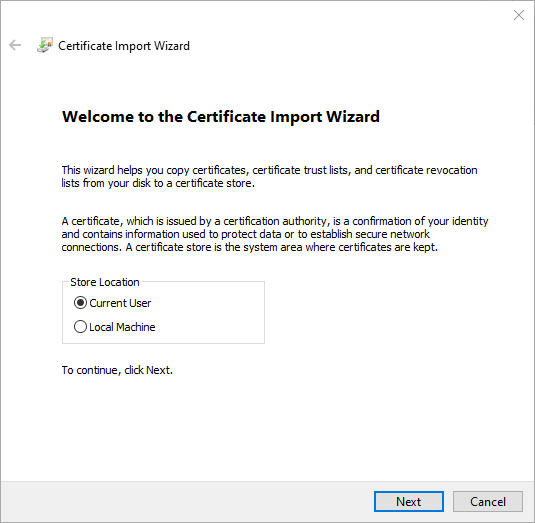
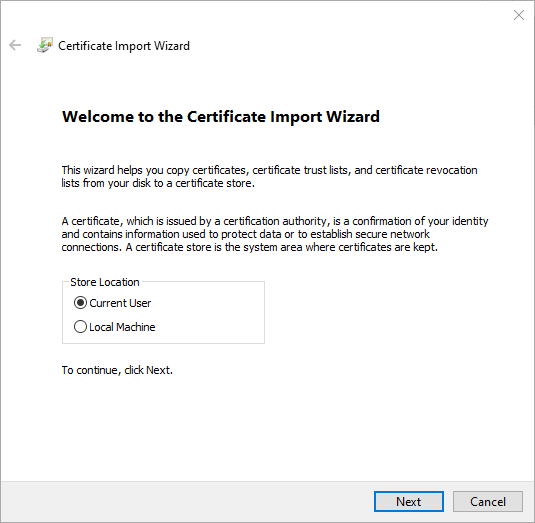
Select "Current User" and click "Next":
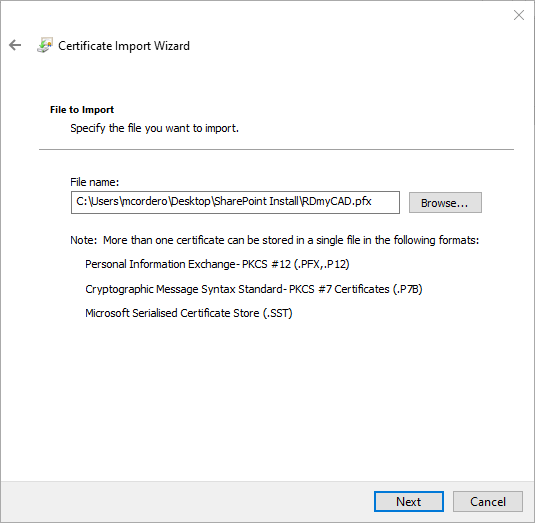
Verify the path to the file you want to import, and click Next:
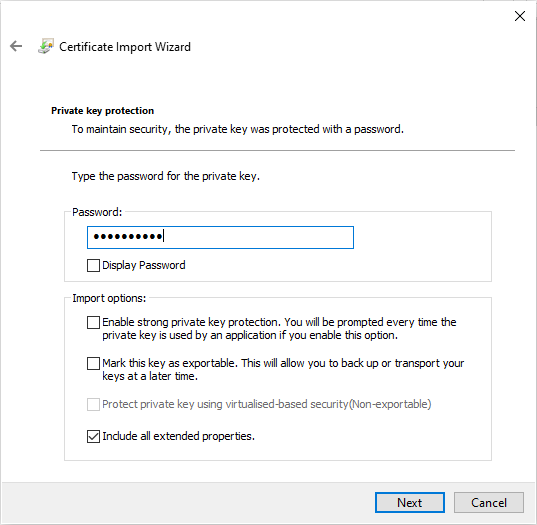
Do not change any import options (Enhanced private key protection must not be enabled under any circumstances)
Enter the certificate password provided by the administrator and click Next:
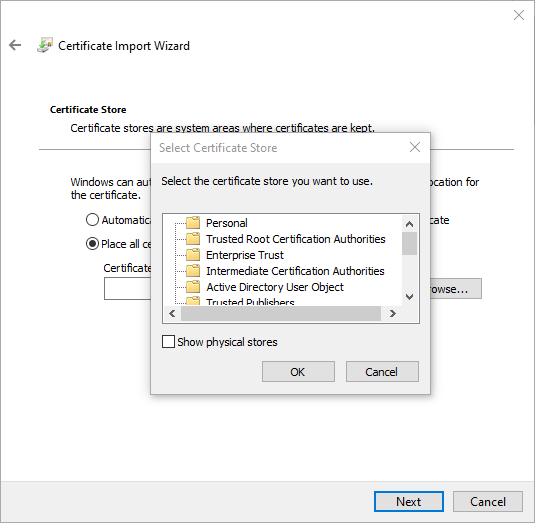
Select the "Staff" store by clicking "Browse," and then click "Next":
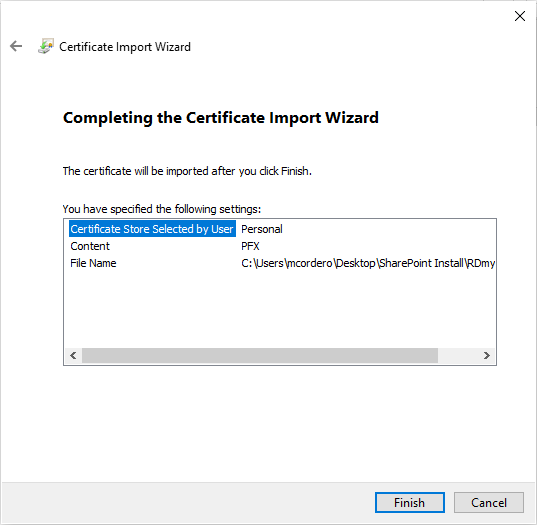
Finally, click Finish in this window: